
Why Most Price Alerts Create More Noise Than Value
Flight price alerts are genuinely useful - but only when configured with intention. Most travelers set them up hastily: they search a route, click "track prices," and move on. Within days, their inbox fills with fare movement emails they can't act on because they never defined what a good fare actually looks like for them.
The result is alert fatigue. Notifications arrive, get ignored, and eventually the traveler misses the one fare worth booking. The fix isn't fewer tools - it's a cleaner process. Understanding why common flight searches miss better fares is a useful starting point before you set up any alert system.
Pair Alerts With a Fare Calendar
Price alerts work best when you already understand a route's typical price range. Before setting thresholds, consult a fare calendar to see how prices move across dates and weeks. The guide to using fare calendars effectively walks through how to read these tools to your advantage.
Done right, alerts serve as a passive watchdog while you go about your life. Done carelessly, they add clutter without saving money. The steps below cover how to set them up so they stay useful.
What You'll Need Before Starting
What you will need
Flight search platform with alert functionality
Used to track a specific route and receive email or push notifications when the fare changes.
Dedicated email folder or filter
Keeps alert emails organized separately from your primary inbox so you can scan them quickly.
Spreadsheet or notes app
Records your target price, typical fare range, and alert history so you can make informed decisions fast.
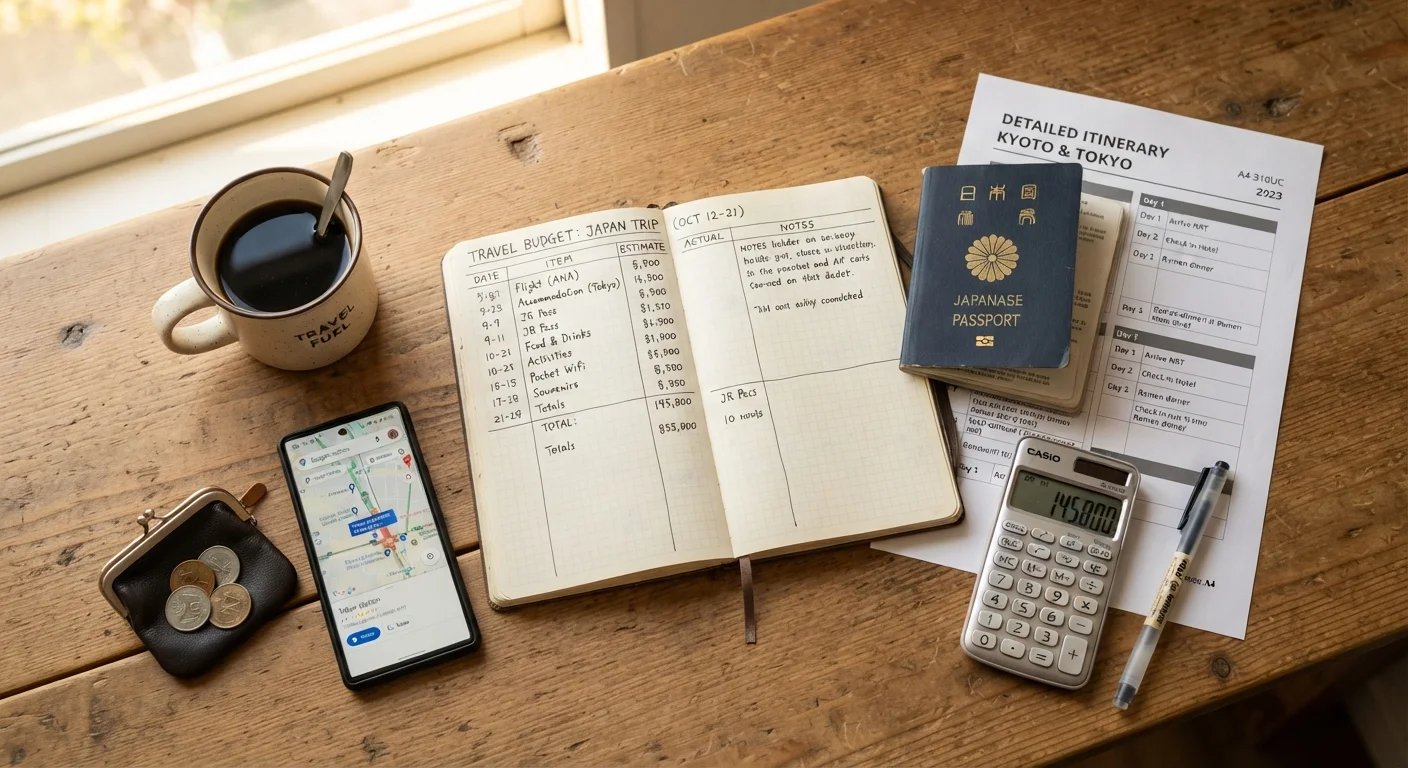
Having a clear target price is the single most important prerequisite. Without it, you have no way to evaluate whether an alert represents a real opportunity. If you're still estimating what your trip should cost overall, the trip budgeting guide can help you set realistic expectations before you get into fare tracking.
Step-by-Step: Setting Up Alerts That Work
Alerts Are Notifications, Not Bookings
A price alert tells you a fare has dropped - it doesn't hold or purchase the ticket. Fares at popular price points can sell out within hours, sometimes faster. When a target price appears, have your payment details ready and be prepared to complete the booking promptly.
Research the typical fare range for your route
Before creating any alert, spend 10-15 minutes looking at current fares across a few weeks of departure dates. Note the high, low, and midpoint prices you see. This baseline tells you what counts as a genuinely good fare versus ordinary pricing dressed up as a deal.
Define your target price before touching any alert tool
Write down the price per person (including carrier fees where visible) that would make you book without hesitation. This figure - not the lowest fare you've ever seen - is your alert threshold. Setting it too low means alerts almost never trigger; setting it too high floods your inbox with unhelpful noise.
Choose one or two tools and set up your alerts
Pick no more than two flight search platforms that offer price alert features. Create an alert on each for your route, entering your target price or selecting the threshold option if the tool supports it. Where a tool only offers general price-drop alerts rather than threshold-based ones, set a calendar reminder to check fares manually twice a week instead.
Set alerts across a date range, not just a single departure date
If your schedule allows any flexibility - even a day or two on either side of your preferred dates - set alerts for that window rather than one fixed date. Price drops often appear on adjacent dates first. Tracking a range increases the odds of catching a meaningful discount.
Create a filter to keep alert emails out of your main inbox
In your email client, create a folder labeled something like "Flight Alerts" and set a filter to route all notification emails there automatically. Check this folder every day or two rather than reacting to each email as it arrives. This prevents alert fatigue while keeping the information accessible.
Act quickly when your target price appears - or let it pass
When an alert matches your threshold, open the fare immediately to confirm the price is real (taxes and fees included) and that seats are still available in your preferred cabin. If it checks out and fits your budget, book. If it doesn't meet your criteria after review, note why and let it pass - don't adjust your threshold impulsively mid-search.
Cancel or pause all alerts once you've booked
After booking, delete or pause every alert you created for that route. Continuing to receive fare notifications after purchase serves no useful purpose and gradually trains you to ignore all alert emails - including future ones that matter.
Once your alerts are live and organized, the system largely runs itself. The discipline is in resisting the urge to tinker - changing your threshold every time you see a lower fare elsewhere undermines the whole approach. If you find fares are consistently out of reach, revisit your travel dates using the strategies in our flexible dates and fare calendars guide rather than simply chasing lower alert thresholds.
Avoid Setting Alerts Without a Target Price
Signing up for every available alert on a route without a clear price goal leads to alert fatigue - you'll start ignoring notifications, including genuinely good ones. Decide what you're willing to pay before you set a single alert.
For broader context on how dynamic pricing and other booking patterns can affect what you pay, see our overview of travel spending traps that quietly drain vacation budgets.