Why Tokyo Is More Navigable Than It Looks
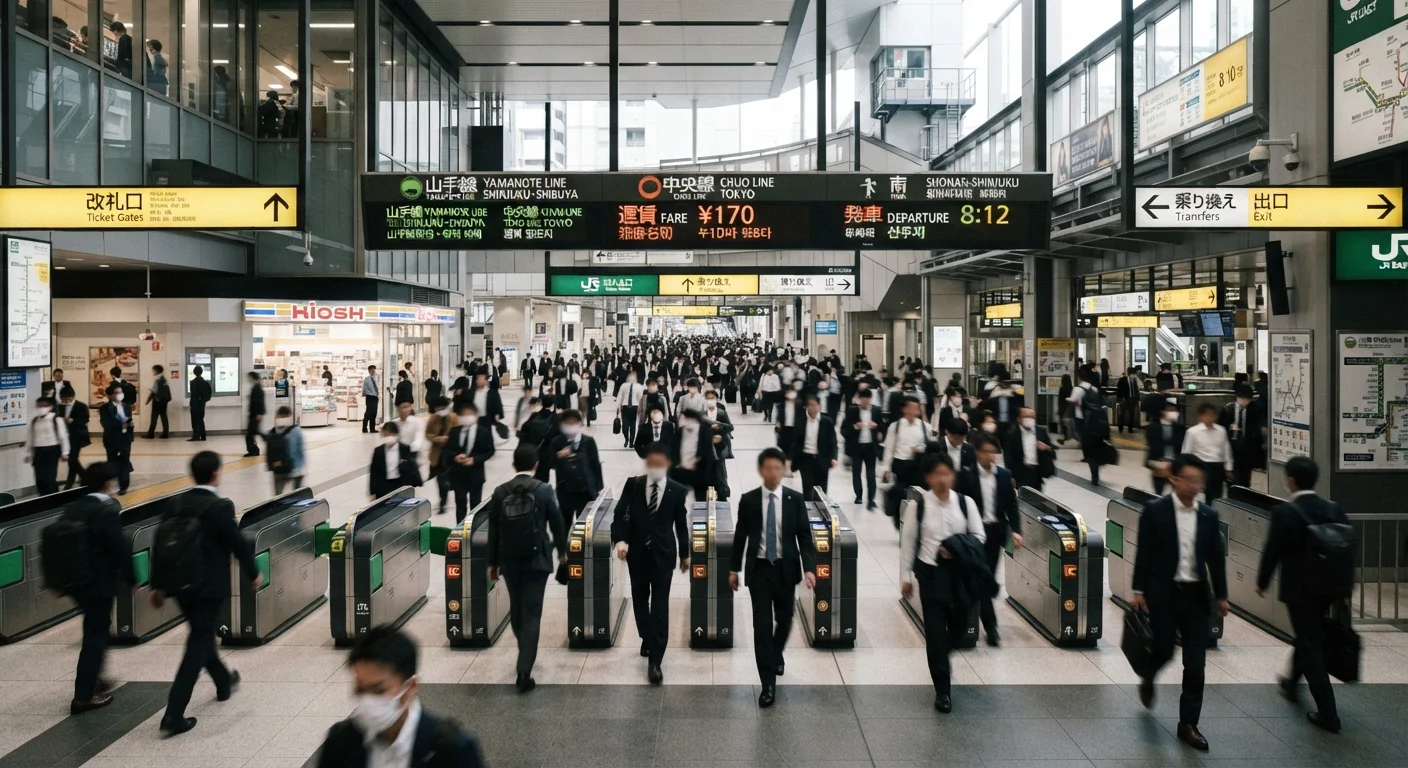
Tokyo's transit network - spanning JR lines, Tokyo Metro, Toei Subway, and private railways - looks overwhelming on a map. But the system was deliberately made foreigner-accessible ahead of decades of international tourism. Every major station displays station names in romaji (the Latin alphabet) alongside Japanese kanji and hiragana. Color-coded lines and numeric station identifiers mean you can follow a route without reading a single Japanese character.
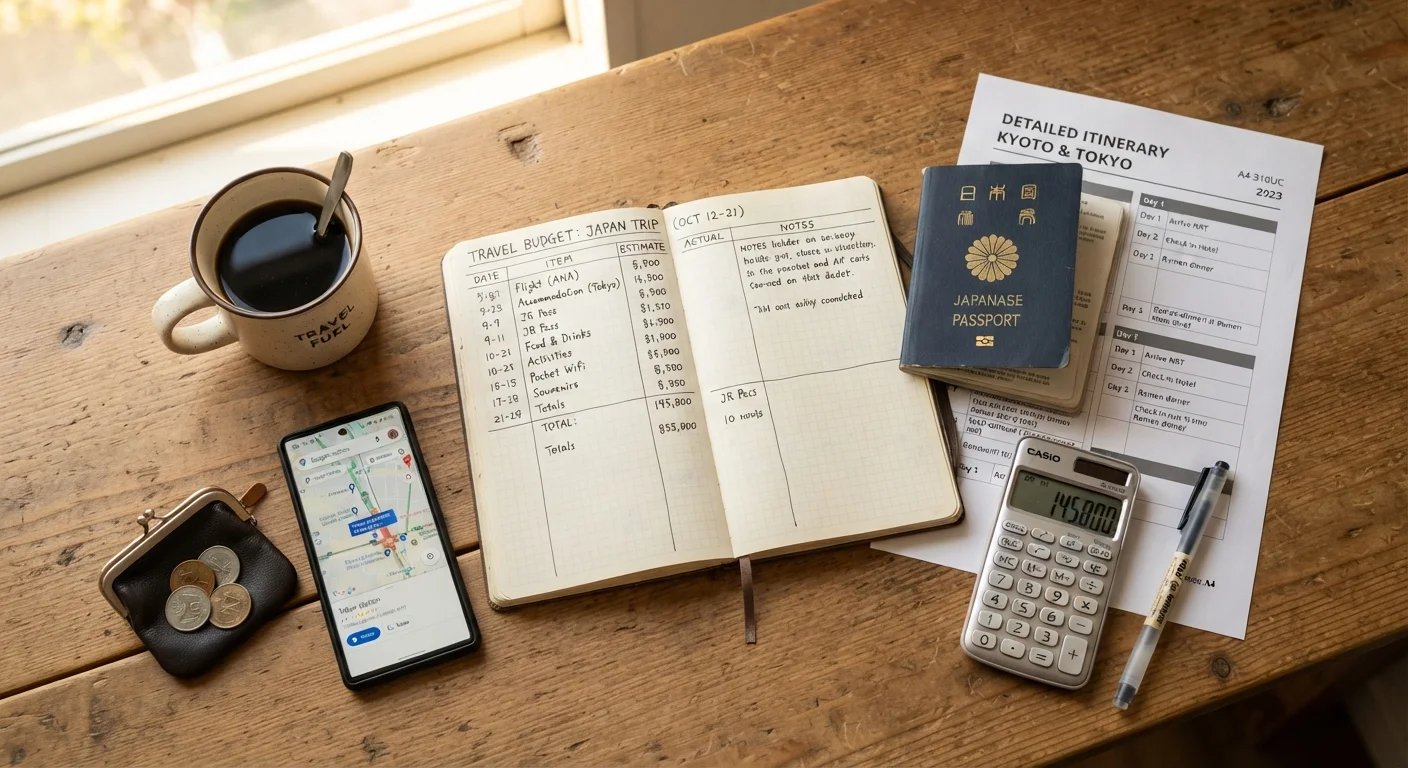
That said, preparation matters. Showing up without an IC card, offline maps, or a basic understanding of the fare zones adds friction that's easy to avoid. This guide walks you through exactly what to set up before you arrive - and how to handle common sticking points once you're on the ground.
What you will need
Step-by-Step: Setting Up and Using Tokyo's Transit
Follow these steps in order. The first two are best completed on your first day, ideally at the airport or a major hub station.
Get an IC Card at the Airport or Major Station
An IC card - Suica or Pasmo are the two common options - is a rechargeable prepaid card that works on virtually every train, subway, bus, and many convenience stores across Tokyo. Load it with yen at any station kiosk, then tap in and tap out at the fare gates. The card automatically deducts the correct fare, so you never need to calculate or select a ticket.
IC card machines at Narita and Haneda airports have English-language interfaces. Look for the "English" button on the touchscreen. A small deposit is required when purchasing the card; this is refundable when you return it before leaving Japan.
Download Offline Maps and a Transit App
Cell signal is generally reliable in Tokyo stations, but underground connections can be inconsistent, and international data plans vary. Download an offline map of Tokyo (Google Maps allows this) before you leave your accommodation each day. For transit routing, Google Maps handles Tokyo's rail network accurately and shows platform numbers, transfer instructions, and exit numbers.
Set your default transit app to show options in English - both Google Maps and Navitime for Japan support this.
Learn the Line Color and Number System
Each Tokyo Metro and Toei line has a unique color and a letter-number station code. For example, Shinjuku Station on the Marunouchi Line is coded M-08. To travel toward a higher number, follow signs pointing in that direction; toward a lower number, follow the opposite. You never need to read Japanese to orient yourself - just match the color, letter, and number on the sign to what your map shows.
Platform signs also list the next several stops in English. Glance at these before boarding to confirm you're on the correct train heading the right direction.
Use Station Staff When Stuck
Every major station has a staffed service window, usually marked with a green or blue sign near the fare gates. Staff at these windows are accustomed to assisting international visitors and can typically handle basic English questions - or communicate effectively with gestures and maps. Show them your destination on your phone screen if verbal communication is difficult.
Don't hesitate to ask. Tokyo station staff are consistently noted by travelers as helpful and patient with language barriers.
Navigate Neighborhoods on Foot Using Exit Numbers
Once above ground, exit numbers are your primary orientation tool. Your map app will specify which exit to use - for instance, "Exit A3" at Shibuya puts you on a completely different street than "Exit B5." Taking the wrong exit at a large station like Shinjuku or Ikebukuro can mean a 10-minute walk to get back to where you need to be.
Street addresses in Tokyo are structured differently than in most Western cities - they refer to city blocks rather than street names. Rely on your map for walking navigation rather than trying to follow street signs.
Google Maps Is Your Most Reliable Tool
For Tokyo transit, Google Maps is consistently accurate for route planning, fare estimates, and real-time train schedules. Always double-check your route the evening before a time-sensitive journey so you know the platform and any transfers in advance. This avoids last-minute confusion in busy stations.
Handling Common Navigation Challenges
Even well-prepared travelers hit snags. Here's how to handle the most common ones:
- Wrong platform: If you board the wrong direction, exit at the next stop and cross to the opposite platform. Station staff at any staffed window can confirm you're heading the right way.
- IC card balance too low: Look for the fare adjustment machine (fare adjustment machines are labeled in English) near the exit gates - top up there before exiting without penalty.
- Missed stop on an express train: Some lines run local and express services on the same track. Check whether your destination is an express stop; if not, board a local service instead. Google Maps flags this automatically when you use transit directions.
- Station exits: Major stations like Shinjuku have 50+ exits. Your map app will show the correct exit letter or number - don't just head for the nearest gate.
Understanding how transit maps are structured globally also helps. Our guide to reading foreign transit maps covers the universal patterns behind systems like Tokyo's, which can sharpen your instincts before you arrive.
Verify Entry and Transit Rules Before You Travel
Transit infrastructure and entry requirements can change. Always confirm current visa requirements, IC card availability, and any service disruptions through official Japanese government and transit operator sources before your trip. This article provides general orientation only and is not a substitute for up-to-date official guidance.