A smart lock or camera alone doesn't mean your home is secure. Use this checklist to verify your network, accounts, and devices are properly hardened.
Key Takeaways
Smart home devices are only as secure as the network they run on - harden your router first.
Weak or reused passwords on device accounts are one of the most common points of failure.
Firmware updates close real security vulnerabilities and should be applied promptly.
Isolating smart devices on a separate network segment limits damage if one device is compromised.
Physical access controls still matter alongside digital ones - don't overlook them.
Why Feeling Protected Isn't the Same as Being Protected
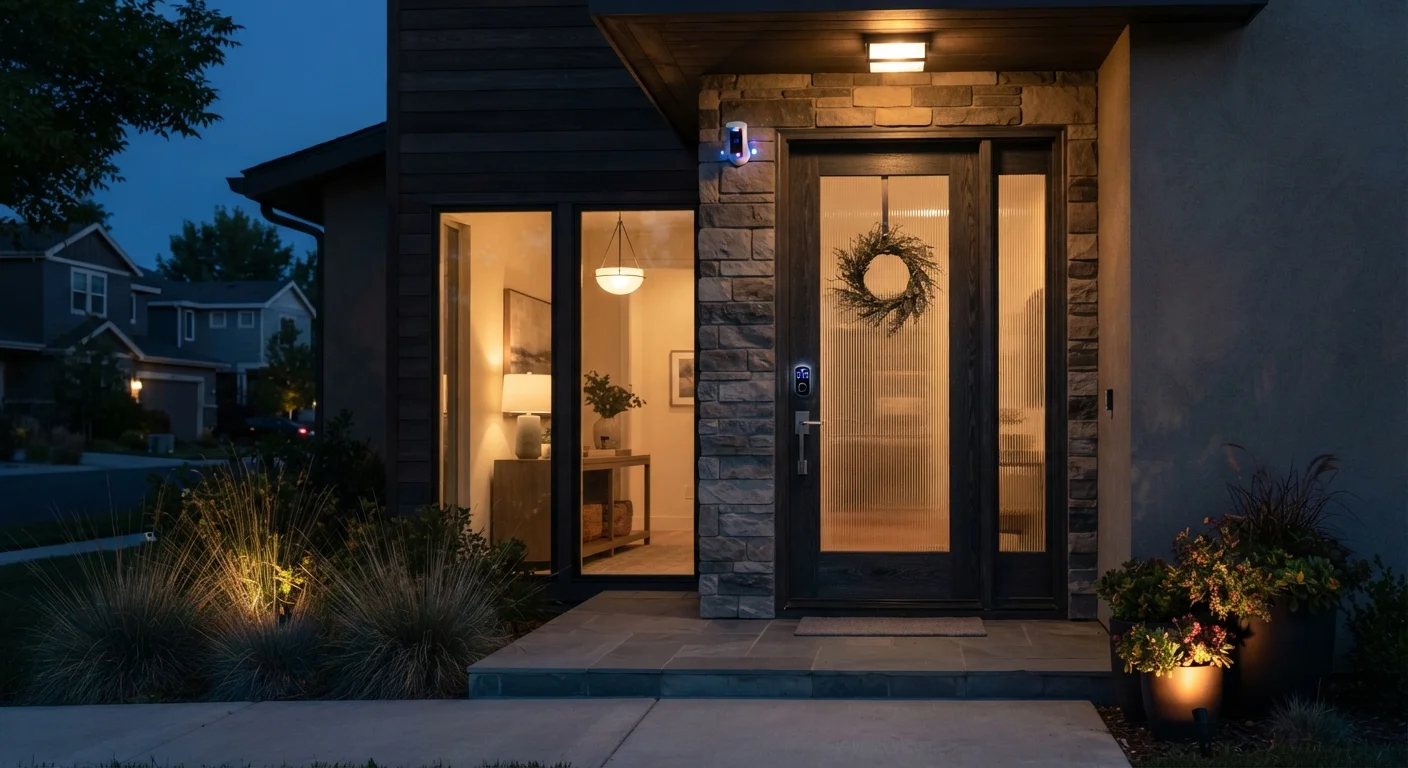
Installing a smart lock, a video doorbell, or a handful of indoor cameras can create a strong sense of security. That feeling isn't entirely wrong - these devices do add real value. But the hardware is only the surface layer. The accounts, network, and habits behind those devices determine whether your setup actually holds up.
This checklist is designed to take you beyond the initial install and into the details that most setup guides skip. Work through each group to verify your system is configured to protect you - not just to look like it does. If you're starting from scratch, our beginner's guide to building a smart home explains the core concepts and recommended setup order before you run this audit.
Don't Skip the Network Layer
Many smart home security audits focus on devices and overlook the router that connects them all. A camera with strong account security is still vulnerable if it's on a poorly configured network. Complete the network checks in this checklist before moving to device-level items. For a more detailed walkthrough, see how to harden your home network.
What You'll Need Before You Start
Before working through the checklist, gather access to a few key tools and accounts. Having them ready prevents interruptions and makes it easier to act on what you find.
Required
Router admin panel
Used to review network settings, update firmware, configure guest networks, and disable unnecessary remote access features.
Required
Password manager
Generates and securely stores unique passwords for each smart home account, reducing the risk of credential reuse.
Required
Smart home manufacturer apps
Used to check firmware versions, review privacy settings, and audit who has access to each connected device.
Required
Authenticator app
Provides time-based one-time codes for two-factor authentication on smart home accounts - more secure than SMS codes.
Optional
Notepad or spreadsheet
Helpful for tracking which devices have been audited, what firmware version they're on, and what still needs attention.
The Full Security Checklist
Work through these groups in order. Network and account security form the foundation - physical and device-level checks build on top of them.
Network Foundation
Change your router's default admin username and password to something unique and strong before connecting any smart devices.Must
Enable WPA3 encryption on your Wi-Fi network, or WPA2 at minimum - never leave your network open or using outdated WEP encryption.Must
Set up a separate guest network or IoT-dedicated VLAN and connect all smart home devices to it rather than your main personal network.Should
Disable remote management on your router unless you have a specific, ongoing need for it.Should
Check that your router's firmware is current and enable automatic updates if your router supports them.Must
Account & Password Security
Create a unique, strong password for every smart home app and platform account - never reuse a password from another service.Must
Enable two-factor authentication (2FA) on every account tied to a smart home device, particularly cameras, locks, and hubs.Must
Use a password manager to generate and store credentials so you aren't tempted to reuse or simplify passwords. See how password managers work if you're unfamiliar with them.Should
Review and remove any third-party app integrations or linked accounts that you no longer actively use.Should
Audit recovery email addresses and phone numbers on each account to confirm they're current and still under your control.Must
Device Configuration
Update the firmware on every smart home device - cameras, locks, hubs, doorbells, and sensors - to the latest available version.Must
Disable any features you don't use, such as remote access ports, UPnP, or voice activation, to reduce the attack surface on each device.Should
Review privacy and data-sharing settings in each device's app and limit data collection to what's necessary for the feature to work.Should
Check that camera and microphone access is restricted at the operating system level on any phone or tablet used to manage your devices.Nice to have
Confirm that video and audio recordings are stored securely - either locally with access controls or via an encrypted cloud account.Must
Physical & Operational Checks
Verify that all camera fields of view cover the intended areas and haven't shifted due to bumps, weather, or tampering.Must
Test smart lock battery levels and confirm the lock engages and disengages reliably both via app and manually.Must
Confirm that motion sensors, door/window sensors, and alarms trigger correctly and that notifications reach you promptly.Must
Review who has access - shared accounts, guest codes, or temporary credentials - and revoke anything that's no longer needed.Should
Check that your smart home hub or bridge device is in a secure physical location, not accessible to casual visitors.Nice to have
Establish a simple household plan for what to do if a device is lost, stolen, or compromised - including how to remotely revoke access.Should
Schedule a recurring calendar reminder (every 90 days is a common interval) to run through this checklist again and apply any pending firmware updates.Nice to have
If You Suspect a Device Has Been Compromised
Change your account passwords immediately and revoke access tokens for any affected apps. Factory-reset the device before reconnecting it to your network. Review other accounts that share credentials with the compromised service, and consider running a broader account audit. This recovery checklist walks through the steps in order to limit damage quickly.
Once you've completed this audit, schedule a follow-up review every few months. Smart home setups drift over time as new devices are added and firmware versions change. These maintenance habits will help you keep everything functioning reliably between full audits.
Home Editorial Team is the collective byline for our editorial team and contributor network. Articles published under this byline or an editorial pen name are researched, written, and reviewed according to our editorial standards for clarity, consistency, and independence before publication.
The content on this site is for informational purposes only and is not a substitute for professional advice. Always consult a qualified professional for guidance specific to your situation.