Why Smart Homes Need Active Maintenance
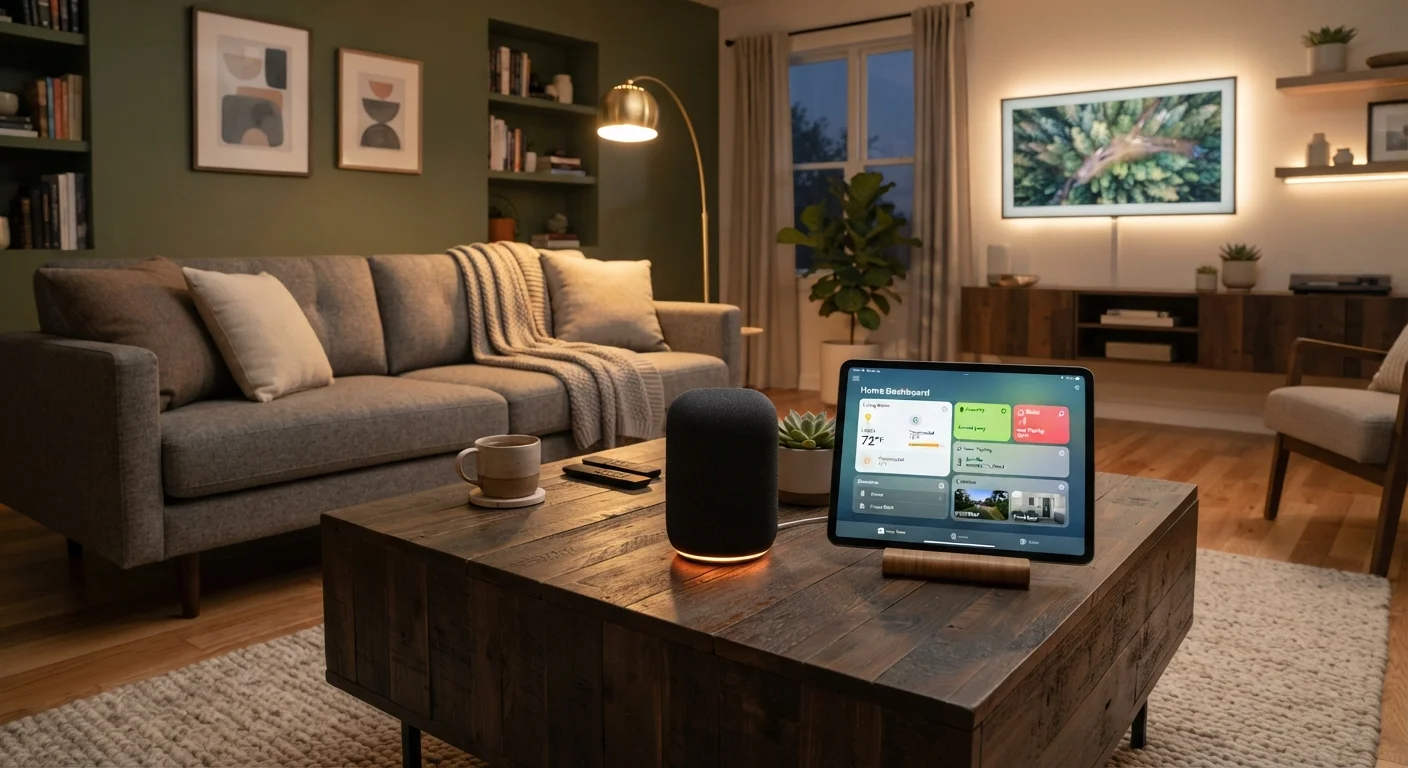
A smart home isn't a set-it-and-forget-it system. Devices accumulate outdated firmware, cloud services quietly change how they communicate, Wi-Fi channels get congested, and the automations you built six months ago may no longer match how you actually live. The result: slow responses, devices that fall off the network, or routines that fire at the wrong time.
If you're just getting started, our practical starting point guide walks through the foundation. This article picks up where that leaves off - keeping what you've built running reliably over time. Think of it the way you'd approach car maintenance: small, consistent attention prevents large, avoidable failures.
Core Maintenance Practices
These five habits address the most common sources of smart home drift and instability.
Update device firmware on a set monthly schedule.
Firmware updates patch security vulnerabilities, fix bugs that cause dropouts, and sometimes add features. Skipping updates is the single most common reason a once-reliable device becomes erratic. Manufacturers don't always push updates automatically, so manual checks matter.
Audit and prune automations every season.
Routines built for one season's schedule or lighting conditions often break or misfire months later. An annual rhythm of four short reviews - one per season - keeps automations aligned with how you actually use your home. Stale routines also slow down hub processing.
Keep a simple log of every device and its last update date.
When something stops working, a written record tells you immediately whether it's a new problem or a recurring one, and which hub a device is paired to. Without a log, troubleshooting becomes guesswork. A basic note in a phone app is enough.
Remove devices you no longer actively use.
Dormant devices still consume IP addresses, generate occasional network chatter, and show up in automation menus - adding clutter and potential points of failure. Removing them from the app and physically unplugging them keeps your ecosystem lean.
Reboot your hub and router on a regular schedule.
Both hubs and routers accumulate memory load and stale connection tables over time. A monthly restart clears these and restores responsiveness, especially if you've noticed slight delays in device responses that weren't present when the system was new.
Understanding why reliability varies often comes down to the wireless protocols your devices use. Our explainer on Wi-Fi vs. Zigbee vs. Z-Wave clarifies how each affects range and interference - useful context when a device keeps dropping off unexpectedly.
Keep a Simple Device Log
A short note in a phone app or notebook - recording each device's room, wireless protocol, and last update date - saves real time during troubleshooting. When something stops working, a log tells you immediately whether it's a new issue or a recurring one. It also helps when you need to reset a device and can't remember which hub it was paired to.
Network Health Is the Foundation
Every smart device depends on your home network. A congested or unsecured router is the most common root cause of unexplained dropouts and slow responses - and it's often the last thing people check.
Compatibility Can Change Without Warning
Device manufacturers occasionally drop support for older hubs or platforms through software updates. Most companies announce end-of-support dates in their apps or help centers before a product loses compatibility. Make a habit of checking those notices so you're not caught off guard when a routine suddenly stops working.
Practical steps: place your router centrally, use a mesh system in larger homes, and place smart devices on a separate network segment from your phones and computers. That separation also improves security. Our guide on locking down your home network covers the foundational steps in detail. While you're at it, it's worth understanding what data your smart devices collect - responsible ownership includes knowing what's being shared.
“Technology that requires constant human intervention to function isn't automation - it's just another chore.”
— Home Editorial Team, Home technology and smart home maintenance editors
Quick Actions You Can Take Today
Maintenance doesn't require a full Saturday. These three moves take under 20 minutes combined and have immediate impact.
If you've noticed your setup becoming costly or complicated over time, our overview of the hidden costs of smart home ownership is worth a read. Subscription fees and compatibility dead ends are easier to manage when you see them coming.
Seasonal Audits Keep Routines Relevant
Your morning and evening routines in January rarely make sense in July. A short seasonal audit - reviewing every active automation and scene - keeps your system aligned with real life. Delete routines you consistently override, adjust sunrise and sunset triggers as daylight shifts, and verify that the devices involved still respond correctly.
This kind of structured, recurring review mirrors the principle behind habits that keep a home organized: small regular check-ins prevent large accumulations of disorder. Also revisit your smart thermostat schedule each season - it's one of the easiest places for a routine to drift silently out of sync with your household's actual patterns.