What a Smart Home Actually Is
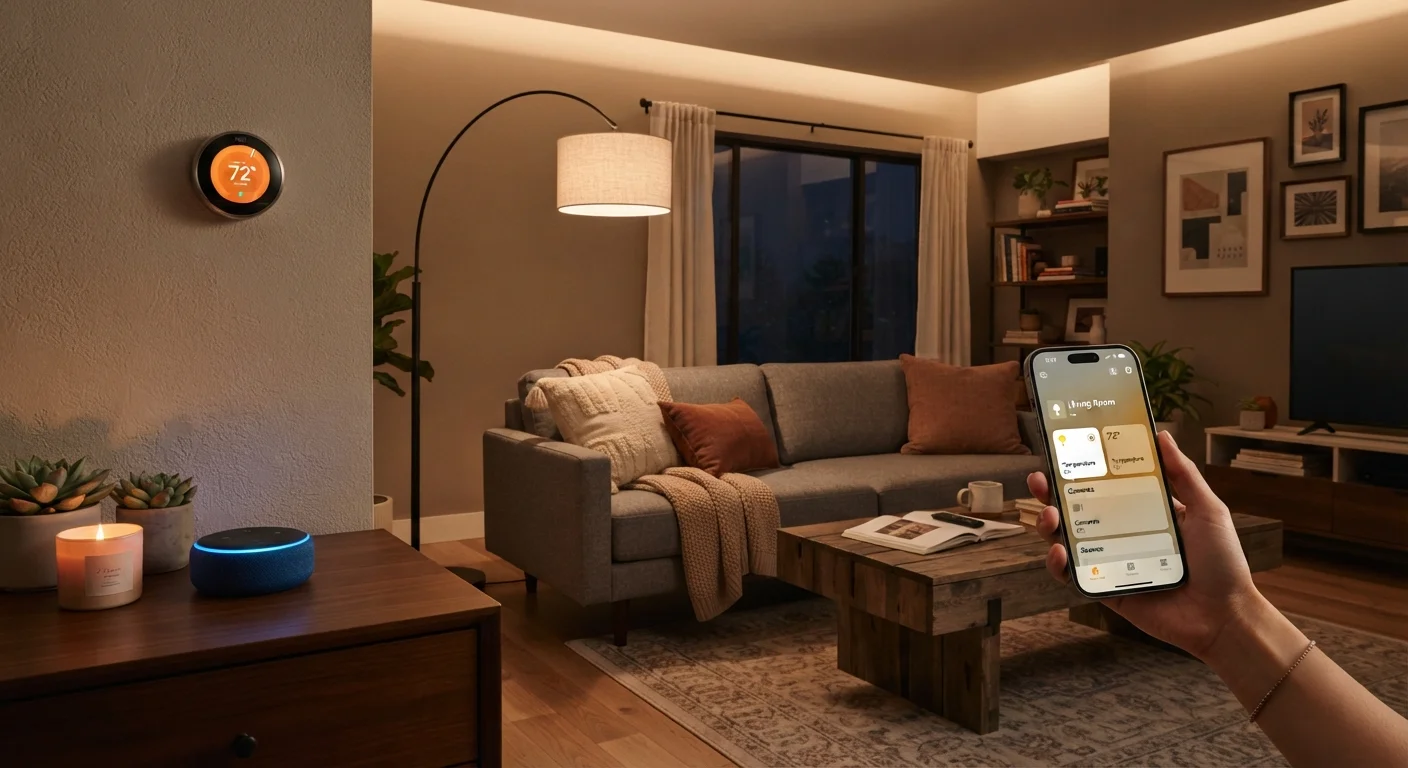
A smart home is simply a residence where everyday devices - lights, locks, thermostats, speakers - can be controlled remotely, automated on a schedule, or triggered by conditions like time of day or your location. None of that requires a cutting-edge house or a large budget.
Before buying a single device, it helps to understand what the technology actually does versus what marketing suggests. Our companion piece explains what a smart home really means - and what it doesn't in plain language, which is worth reading if you're still forming your expectations.
The core idea is connectivity: devices communicate with each other and with you, usually through a smartphone app or a voice assistant. That communication happens over your home's Wi-Fi network, which makes your network the true starting point - not the devices themselves.
Ecosystem
The platform - such as Amazon Alexa, Google Home, or Apple HomeKit - that connects and manages all your smart devices through a single interface.
Matter
A connectivity standard that lets certified smart home devices work across multiple ecosystems, reducing the risk of being locked into one platform.
Automation
A rule you set up once that triggers device actions automatically - for example, turning lights off at a set time - without any manual input.
Smart plug
An adapter that fits between a standard outlet and any plugged-in device, adding remote control and scheduling capabilities without any wiring.
Mesh Wi-Fi
A home networking system that uses multiple access points working together to provide consistent, strong Wi-Fi coverage throughout a larger home.
Hub
A central device that translates communication between smart home devices using protocols like Zigbee or Z-Wave and your home's Wi-Fi network.
Start With Your Network
Every smart home runs on your internet connection and Wi-Fi network. If your router is several years old, sits in one corner of the house, or drops signal in key rooms, smart devices will frustrate you no matter how well they're designed.
Before spending anything on smart devices, assess your network honestly. A mesh Wi-Fi system - which uses multiple access points placed around the home - eliminates dead zones and is worth considering if your current router struggles to reach the garage, backyard, or upper floors.
Your Router's Age Matters
Routers older than four or five years may not support the Wi-Fi standards that modern smart devices expect, and their security firmware may no longer receive updates. If your current router is aging, addressing it before adding smart devices is a worthwhile investment in reliability.
Separate your smart home devices onto a dedicated guest or IoT network if your router supports it. This improves both performance and security by isolating connected devices from your primary computers and phones.
Choosing an Ecosystem First
An ecosystem is the platform that ties your smart devices together - Amazon Alexa, Google Home, and Apple HomeKit are the three most common in U.S. households. The ecosystem you choose shapes which devices will work seamlessly in your home and which ones won't cooperate at all.
This is the most consequential decision a beginner makes. Our side-by-side comparison of Alexa, Google Home, and Apple HomeKit covers the real differences in compatibility, privacy, and ease of use.
A practical shortcut: if most of your household already uses iPhones, HomeKit integrates naturally. If you're more Android-based, Google Home is an easy fit. If you want the widest device compatibility, Alexa has historically supported the broadest range of third-party hardware.
Also look for devices that support the Matter standard - a relatively new interoperability protocol that allows certified devices to work across multiple ecosystems, giving you more flexibility if you ever switch platforms.
The Best First Devices to Add
Once your network is solid and you've chosen an ecosystem, start with devices that are low-cost, easy to install, and immediately useful. The goal is a quick win that builds confidence.
- Smart plug: Plugs into any standard outlet and makes any lamp or appliance controllable by app or voice. No wiring required.
- Smart bulbs: Replace standard bulbs in frequently used rooms. Dimmable and color-tunable bulbs add ambiance without any electrical work.
- Smart speaker or display: Serves as your voice interface to the entire ecosystem. These double as a central control point and are typically the easiest devices to set up.
- Smart thermostat: Offers meaningful energy savings over time and can be scheduled around your daily routine. Installation usually requires a screwdriver and about 30 minutes, but check whether your HVAC system is compatible before purchasing.
For a room-by-room breakdown of what device categories exist and what each does, see our room-by-room reference to smart home device categories.
The One-Device Rule for Beginners
Resist the urge to buy several devices at once. Set up one device fully - app installed, automation created, tested - before adding the next. This makes troubleshooting straightforward and helps you understand how your ecosystem actually behaves before scaling up.
Building Routines and Automations
The real value of a smart home emerges when devices work together automatically, without you tapping an app each time. Most ecosystems call these routines or automations - predefined rules that trigger actions based on time, location, or device state.
Simple examples that deliver immediate value:
- Lights turn on at sunset and off at midnight automatically.
- The thermostat lowers when everyone leaves home and warms up 30 minutes before the first person returns.
- A "Good Morning" routine turns on kitchen lights and starts a coffee maker at your usual wake time.
Start with one or two automations built around habits you already have. Overbuilding complex automations before you understand how your devices behave in practice is a common source of frustration. For a broader look at automation thinking, our introduction to automation tools for everyday tasks offers useful framing that applies here too.
Avoiding Common Beginner Mistakes
Most smart home frustration is avoidable. Here are the pitfalls beginners encounter most often:
- Buying before choosing an ecosystem
- Impulse purchases based on a deal can leave you with devices that don't talk to each other. Ecosystem first, devices second.
- Overbuying at the start
- Ten new devices at once means ten potential setup problems at once. Add one or two at a time so you can troubleshoot clearly.
- Ignoring firmware updates
- Manufacturers release updates that fix bugs and patch security vulnerabilities. Check device apps periodically for available updates.
- Weak or reused passwords
- Your smart home account is the key to your front door, thermostat, and more. Use a strong, unique password and enable two-factor authentication wherever it's offered.
If you're also navigating broader home improvement decisions as a newer homeowner, our guide on home improvement from scratch for first-time homeowners covers the wider picture. And for a complete end-to-end view of what a fully connected home looks like over time, see The Complete Picture: Smart Home Technology From First Device to Fully Connected House.
Electrical Work Requires a Licensed Electrician
Some smart home upgrades - such as in-wall smart switches and dimmers - involve working with your home's wiring. This type of work can be dangerous and may require a permit depending on your location. Always hire a licensed electrician for any task that involves your home's electrical panel or in-wall wiring, and verify local code requirements before starting.