What a Smart Home Actually Is
The term "smart home" gets applied to everything from a single voice-controlled bulb to a fully automated residence that adjusts heating, locks, lighting, and appliances based on who is home and when. Before spending anything, it helps to understand what the phrase actually covers - and where its limits are.
At its core, a smart home is a residence where devices can communicate with each other or be controlled remotely, typically through a smartphone app, voice assistant, or automated schedule. The "smart" part comes from connectivity, not from any device being inherently intelligent. Learn more about what smart home technology really means before committing to a direction.
Most households don't need to automate everything. A focused setup - perhaps a smart thermostat, a few plugs, and a video doorbell - can deliver real convenience without the complexity of a fully wired installation.
69%
U.S. households owning at least one smart device
According to Statista consumer survey data, roughly seven in ten American homes have adopted at least one connected device.
~$150
Average annual energy savings from a smart thermostat
The U.S. Department of Energy estimates that programmable and smart thermostats can reduce heating and cooling costs meaningfully when properly configured.
3-5 years
Typical smart device software support window
Industry analysts generally observe that most consumer smart home devices receive active firmware and app support for three to five years before the manufacturer shifts focus.
Choosing Your Ecosystem First
The single most consequential early decision is choosing a platform - sometimes called an ecosystem - that will act as the central hub for your devices. The three dominant options in the U.S. are Amazon Alexa, Google Home, and Apple HomeKit. Each has different strengths around device compatibility, voice assistant quality, privacy posture, and how well it integrates with phones you already own.
Ecosystem choice shapes every future purchase. A device that works beautifully in one platform may be completely unsupported in another. The emerging Matter standard aims to reduce this fragmentation by allowing devices to work across platforms, though adoption is still maturing.
See a side-by-side comparison of Alexa, Google Home, and Apple HomeKit to understand the trade-offs before committing. If you're starting from scratch, this beginner-friendly starting guide walks through setup order as well.
Before buying any device, search its model number plus your chosen ecosystem name to confirm compatibility - manufacturer marketing and actual platform support don't always match.
Compatibility mismatches are the most common source of buyer frustration in smart home setups and are almost entirely avoidable with a quick pre-purchase check.
Favor devices that support local processing over those that require a cloud connection for basic functions - local devices still work during an internet outage.
Cloud-dependent devices become non-functional when the manufacturer's servers are down or the service is discontinued, a risk that increases as more devices are added.
Device Categories Worth Knowing
Smart home devices fall into several broad categories, each solving a different problem in your home. Understanding categories - rather than chasing individual products - makes it easier to prioritize spending.
- Lighting: Smart bulbs and switches allow scheduling, dimming, and color control. Switches are often preferable to bulbs because they work with any fixture and can't be accidentally "turned off" by a physical switch.
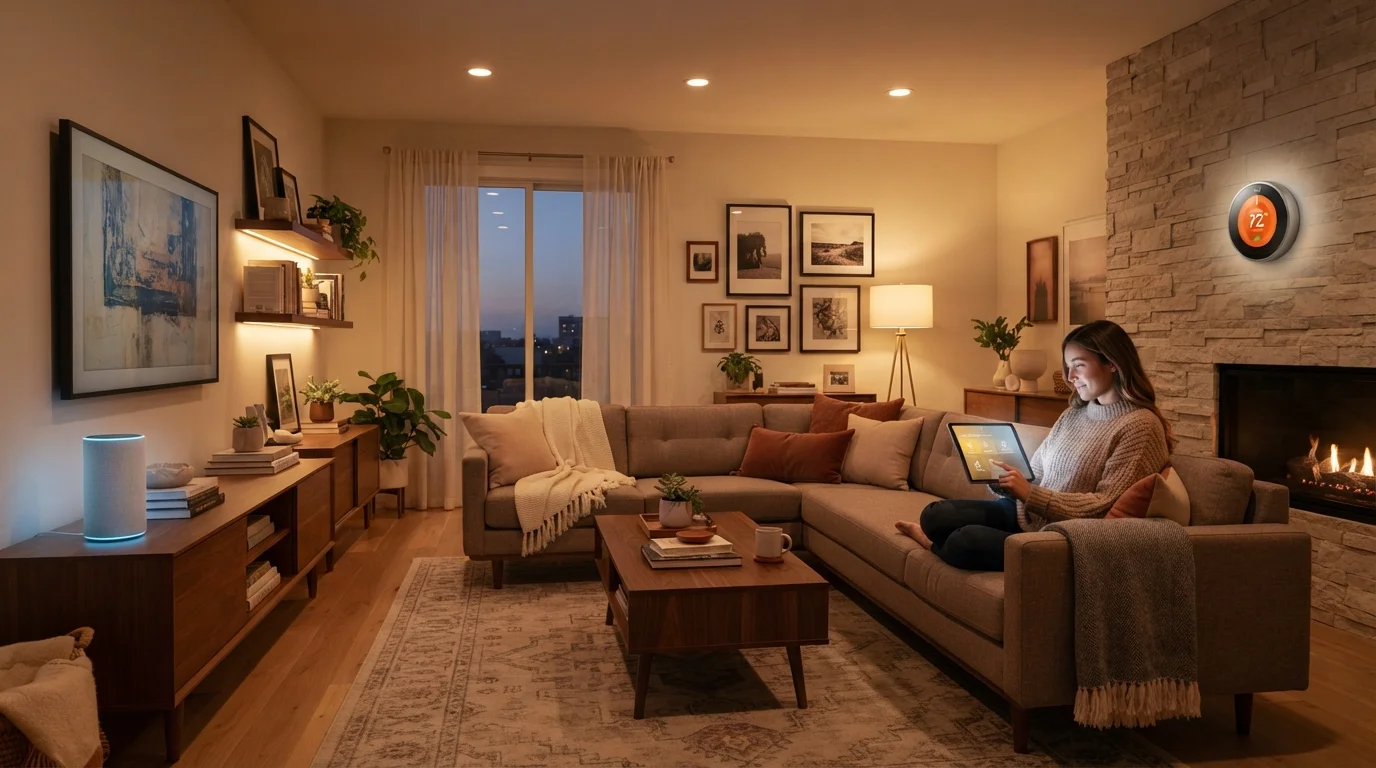
- Climate: Smart thermostats learn schedules and adjust temperature based on occupancy, often reducing energy use compared to manual settings.
- Security: Video doorbells, indoor cameras, and smart locks provide remote visibility and access control. These carry significant privacy implications and warrant careful placement decisions.
- Plugs and power: Smart plugs add remote control and scheduling to ordinary appliances without replacing them - a low-cost entry point for most households.
- Sensors: Motion, door/window, water leak, and air quality sensors feed information to automations or send alerts, often providing outsized value for their cost.
Browse a room-by-room reference to smart home device categories for installation considerations by space.
Networking: The Foundation Everything Rests On
No smart home setup performs reliably on a weak or congested network. Every device you add is another node making demands on your router. A router that worked fine for laptops and phones may struggle when you add a dozen IoT (Internet of Things) devices.
Don't Skip Network Assessment
Adding smart devices to an overloaded or poorly configured router is the most common cause of unreliable smart home behavior. Before expanding your setup, test your current network coverage with a free app that maps signal strength. Investing in better networking infrastructure frequently delivers more improvement than adding new devices.
Practical networking steps worth taking before expanding a smart home setup:
- Confirm your router supports both 2.4 GHz and 5 GHz bands. Most smart home devices use 2.4 GHz for its longer range, even if it's slower.
- Consider a mesh network system if you have dead spots or a home larger than about 1,500 square feet. Mesh systems spread coverage more evenly than a single router.
- Separate your smart home devices onto a dedicated network segment or guest network. This limits the damage if any one device is compromised.
- Place your hub or primary smart speaker in a central location to minimize signal drop-off.
Automation and Routines
Automations - rules that trigger device actions based on time, location, or sensor input - are where smart home setups shift from convenient to genuinely useful. A light that turns on when you arrive home, a thermostat that steps back when the last person leaves, or a morning routine that adjusts blinds and starts the coffee maker: these are low-effort once configured and save repeated manual steps.
The key to effective automation is tying rules to real, consistent behavior rather than aspirational habits. An automation that requires you to remember to press a button isn't an automation - it's just a shortcut.
Start Simple, Then Layer Complexity
Build your first two or three automations around the most repetitive daily tasks - arriving home, leaving for work, or going to bed. Automations anchored to genuine habits are far more likely to remain useful than clever routines built for hypothetical scenarios. Once simple rules are running smoothly, adding complexity becomes much easier to manage.
Start with two or three automations that address daily friction points. Refine them over a few weeks before adding more. Complex multi-device routines built too quickly tend to break in ways that are difficult to diagnose.
Privacy and Security Considerations
Smart home devices - particularly cameras, microphones, and sensors - collect data about your home and daily patterns. Understanding what data is collected, where it is stored, and who can access it is a practical responsibility for any smart home owner, not just a concern for the privacy-minded.
Camera and Microphone Placement Matters
Indoor cameras and always-on microphones in private spaces like bedrooms carry significant privacy implications for everyone in the home, including guests. Position these devices only in common areas where their presence is visible and expected. Inform household members and frequent visitors about any devices that record audio or video.
Concrete steps that reduce exposure without eliminating functionality:
- Review the privacy settings in each device's app and disable data sharing features you don't use.
- Use strong, unique passwords for every account associated with a smart home device - and enable two-factor authentication where supported.
- Audit which devices have microphones or cameras and consider whether their placement is appropriate (bedrooms and bathrooms are generally not suitable).
- Check manufacturer policies on cloud storage for camera footage, and prefer local storage options where available.
“Security and privacy in connected home devices are not features you add later - they need to be part of the architecture from the start. Consumers should ask hard questions about where their data goes before a device enters their home.”
— Bruce Schneier, Security technologist and author on cybersecurity and privacy
Long-Term Maintenance
A smart home is not a set-and-forget system. Firmware updates, app changes, and evolving platform policies mean that a setup working well today may need attention six months from now. Building simple maintenance habits prevents the slow drift that leaves automations broken and devices unresponsive.
A quarterly review is usually sufficient for most households: check for pending firmware updates on all devices, remove automations tied to routines that no longer match your life, and verify that any security camera or lock credentials are still strong and current.
See a full maintenance guide for keeping your smart home reliable over time. For managing related digital tools and apps that support your setup, explore our digital tools and apps hub.
Smart home technology rewards patience and planning more than impulse spending. A modest, well-maintained setup built on a reliable network and a consistent ecosystem will outperform a large, fragmented collection of devices in everyday use.