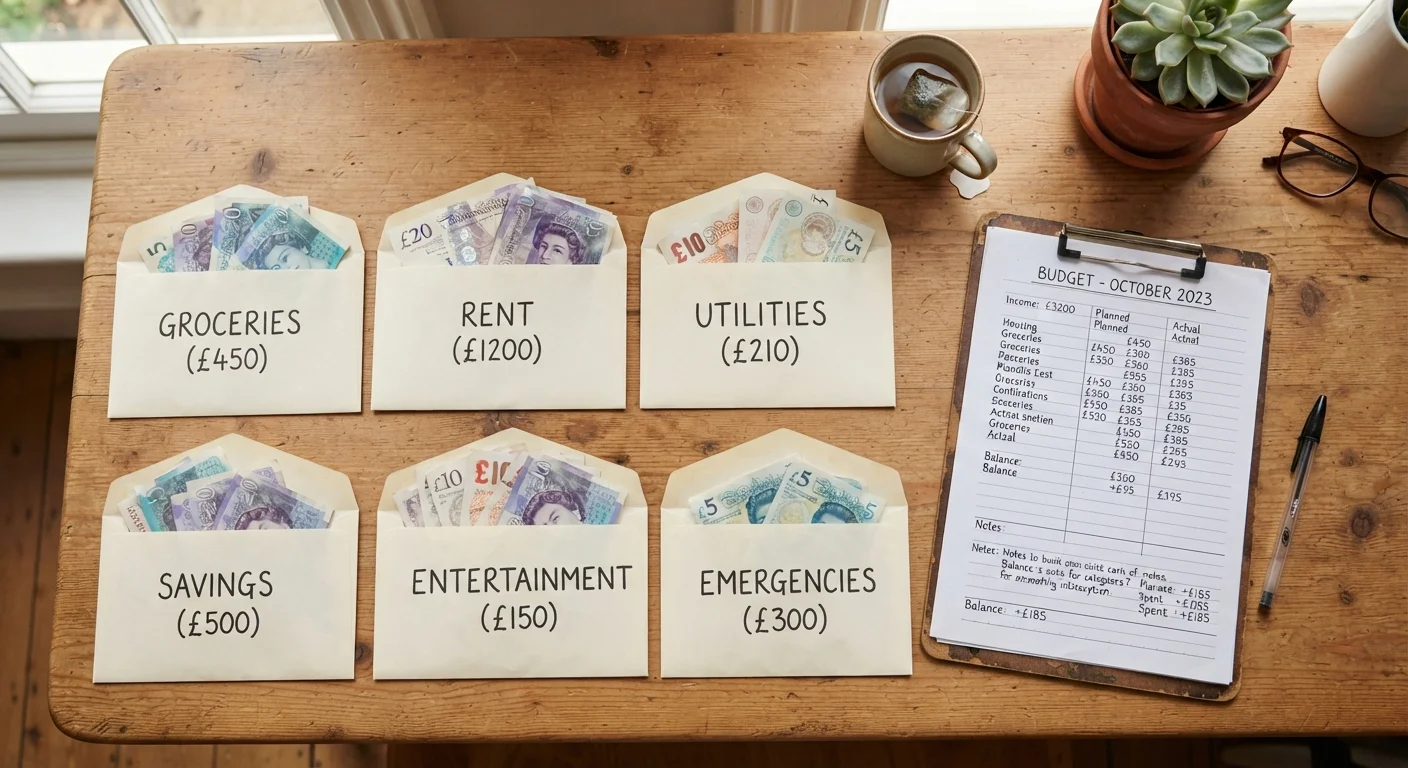
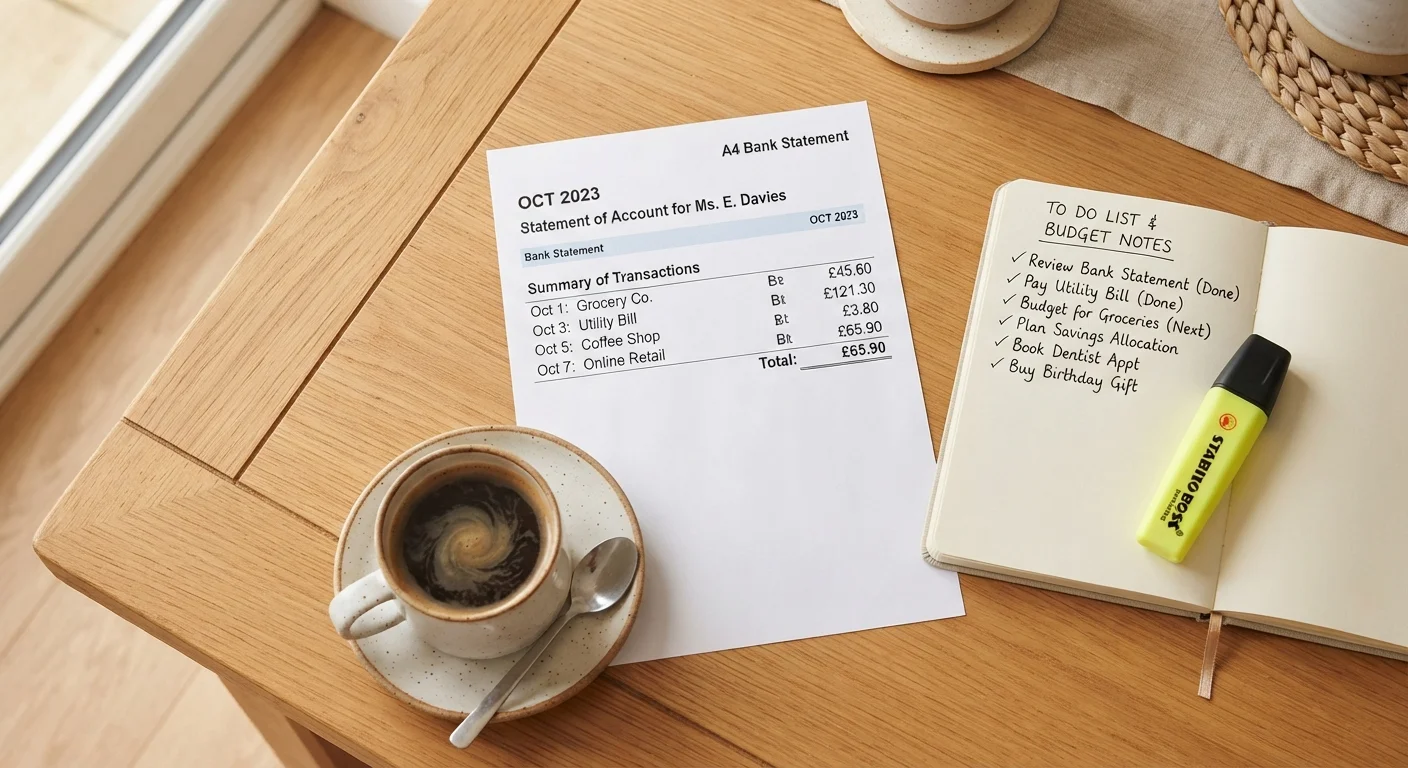
Why a Monthly Expense Audit Is Worth Your Time
Most people have a rough sense of their big bills - rent, car payment, utilities. What slips through the cracks are the small, automatic charges that hit every month without anyone consciously approving them again: a streaming service you stopped watching, a fitness app you downloaded during a New Year's resolution, a news site you subscribed to for one article. Individually, none of these feel catastrophic. Together, they can easily add up to $100 or more a month.
A monthly expense audit is simply a structured review of every dollar leaving your accounts - before the next billing cycle resets the clock. It doesn't require a spreadsheet or any financial expertise. It requires a bank statement, a credit card statement, and about 45 minutes of honest attention. If you want to go deeper after the numbers, examine the habits driving those numbers with a broader self-reflection exercise.
This checklist walks you through the audit in four logical stages: gathering your records, scanning for forgotten charges, reviewing daily spending patterns, and taking action on what you find. Work through it once and you'll know exactly where your money went - and what you want to change.
Bank and credit card statements
The primary source of every transaction - download or print the last 30-60 days for each account.
Digital wallet transaction history
Catches recurring charges routed through PayPal, Apple Pay, Google Pay, or similar services that may not appear on bank statements.
Notepad or simple document
Used to flag unrecognised charges, list subscriptions, and jot action items during the audit.
Email search
Search your inbox for words like 'receipt', 'subscription', or 'renewal' to surface services you may have forgotten you signed up for.
Calculator or phone calculator app
Totals spending by category so you can see the real combined cost of grouped habits like food delivery or entertainment.
How to Run the Audit: Checklist by Stage
Work through each group in order. The first two stages are about gathering data; the last two are about doing something with it. Don't skip the action stage - that's where the actual savings come from.
Stage 1: Gather Your Records
Stage 2: Scan for Forgotten and Silent Charges
Stage 3: Review Daily Spending Patterns
Stage 4: Take Action
Don't Confuse Unfamiliar Names With Fraud
Many legitimate charges appear under a parent company name rather than the brand you know - a streaming service may bill under a media conglomerate's name, for example. Before disputing a charge as fraud, search the exact merchant name online to see if it matches a service you use. That said, if you've searched and genuinely cannot account for a charge, contacting your bank is the right move.
Once you've completed this audit, a lighter version works well at month's end. See the monthly budget reset checklist for a faster end-of-month sweep. For an even deeper dive on recurring digital charges specifically, the forgotten subscriptions checklist focuses entirely on app-based recurring costs.
What to Do With What You Find
Finding a forgotten charge is only useful if you act on it. For each charge you flagged during the audit, make a quick decision: keep it, cancel it, or downgrade it. Don't leave anything in a mental «maybe» pile - that's how nothing changes.
Cancelling Is Not Enough on Its Own
When you cancel a subscription, always check whether you receive a confirmation email. Some services process cancellation requests slowly or require an additional step to confirm. Without a confirmation, the charge may continue. Save or screenshot any cancellation confirmation for at least one billing cycle in case a charge reappears.
If cancelling feels like a lot of calls and hold times, batch them: set aside one session to handle all cancellations at once rather than spreading it across days. Many services now offer online cancellation without a phone call - check the account settings page first.
After the audit, track your spending going forward using a low-friction method that fits your life. Tracking isn't about restriction - it's about staying informed so the next audit surfaces fewer surprises. You can also use the end-of-month money audit questions to keep momentum between full audits. For broader household expenses beyond subscriptions, the household bills checklist covers utilities, insurance, and other recurring costs in detail.
This article is for general informational purposes only and does not constitute personalised financial advice. Consider consulting a licensed financial professional for guidance specific to your situation.