

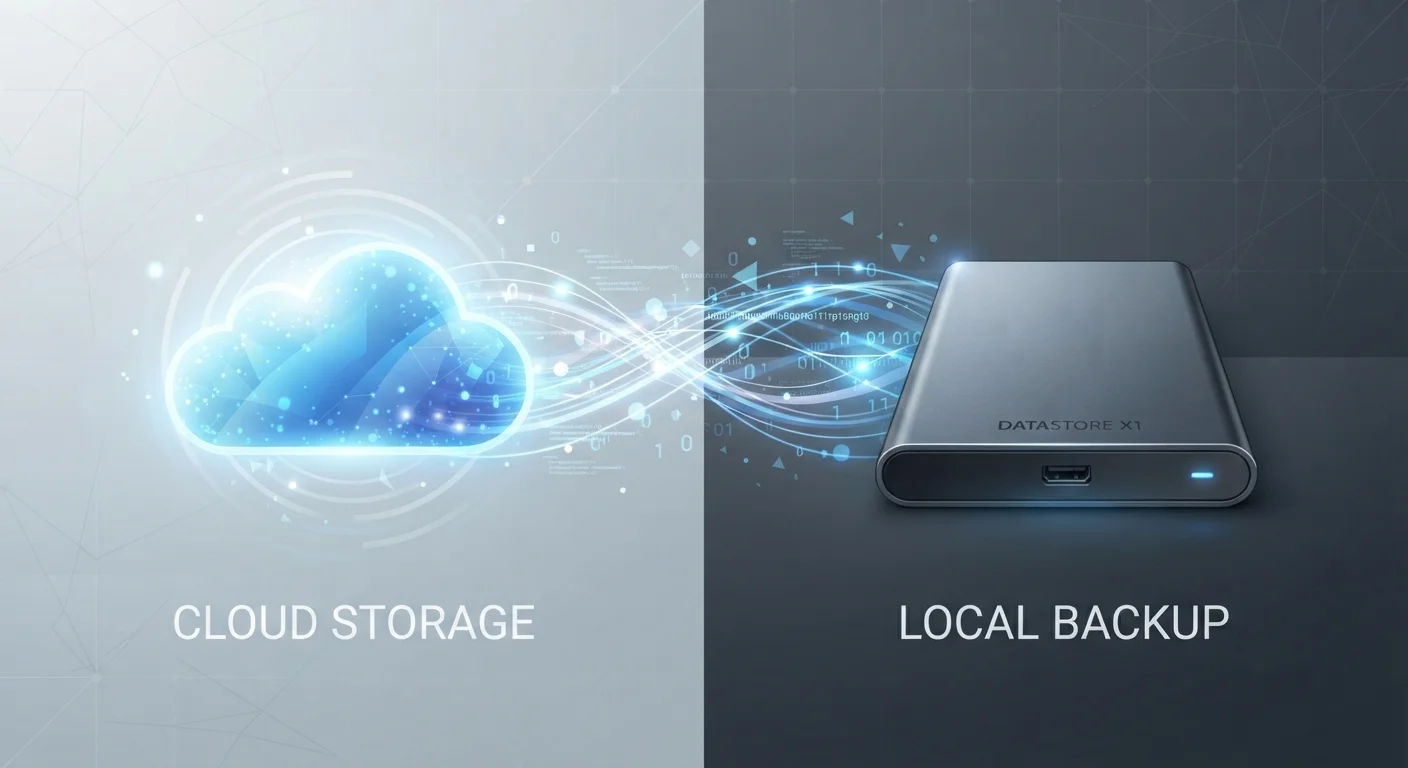
How Each Storage Method Actually Works
Cloud storage works by sending your files over the internet to servers maintained by a third-party provider. When you access those files, you're retrieving them from those remote servers. This happens in the background, mostly invisibly, which is part of the appeal - but it also means your access depends entirely on your internet connection and the provider staying in business.
Local storage is the opposite: your files live on physical hardware you own, whether that's the internal drive inside your laptop, an external hard drive plugged into your desk, or a NAS device sitting on your home network. You don't need internet access to reach those files, and no subscription is required to keep using what you've already saved.
Understanding this basic architecture helps clarify most of the trade-offs. Cloud is convenience traded for dependency; local is control traded for portability.
| Criterion | Cloud Storage | Local Storage |
|---|---|---|
| Access without internet | No - requires connection | Yes - always available offline |
| Cost structure | Ongoing subscription fee | One-time hardware purchase |
| Multi-device access | Yes - any device, anywhere | Limited to connected devices |
| File sharing & collaboration | Built-in, easy to share links | Manual transfer required |
| Privacy control | Subject to provider's terms | Fully under your control |
| Risk of data loss | Provider outage or account issue | Hardware failure, theft, or damage |
| Storage capacity | Scalable, but costs more | Fixed at purchase, inexpensive per GB |
| Setup complexity | Minimal - app-based | Plug-in or install required |
Cost, Privacy, and the Trade-offs Worth Knowing
Cost is often the first thing people notice. Cloud services typically offer a small amount of free storage - often 5 GB to 15 GB - before requiring a monthly or annual subscription. Local storage has an upfront hardware cost, but no ongoing fees. Over several years, a single external drive can be significantly cheaper than a cloud subscription for equivalent storage capacity.
Privacy is a more nuanced issue. When files sit on a cloud provider's servers, they're subject to that company's terms of service and applicable laws. Depending on your jurisdiction, providers may be required to hand over data in response to legal requests. Local storage avoids this exposure, but it introduces its own risks: hardware failure, theft, fire, or flood can wipe out everything if you haven't maintained a separate backup.
Cloud Storage Is Not a Backup By Default
Many people assume that syncing files to a cloud service means they're backed up. In practice, most sync services mirror what's on your device - so if you accidentally delete a file locally, it may be deleted from the cloud too, sometimes within a short recovery window. True cloud backup services work differently and are designed specifically to preserve historical versions of your files. It's worth understanding which type of service you're using before depending on it as your only safety net.
For those concerned about privacy while still wanting remote access, it's worth reading about syncing devices without creating a privacy mess - particularly if you use cloud sync services across phones, tablets, and computers.
Which One Makes Sense - or Is It Both?
For most households, the practical answer isn't either/or. A common and well-regarded approach is the 3-2-1 backup strategy: keep three copies of important data, on two different media types, with one copy stored offsite (which cloud storage handles well). This means local storage as your primary working copy, a second local backup like an external drive, and cloud as your offsite safety net.
3-2-1
Widely recommended backup rule
The 3-2-1 backup strategy - three copies, two media types, one offsite - is a long-standing guideline endorsed by data recovery professionals and organizations including the US-CERT.
~140 TB
Average data a person generates in a lifetime
Research from various digital storage analysts estimates individuals generate many terabytes of data across photos, documents, and media over their lifetimes, underscoring the importance of a deliberate storage strategy.
The choice also depends on what you're storing. Everyday documents, photos you want to share, and work files that follow you between devices are natural fits for cloud storage. Large archives, sensitive personal records, and anything requiring fast access with no upload lag tend to work better stored locally.
If you're already thinking about how you organize data and physical space together, it can help to think through how vertical storage can maximize physical space as a complement to your digital strategy - especially if local hardware is taking up desk or shelf space.
The goal isn't to pick a winner. It's to match the method to the actual need, and ideally use both to protect against the failure points each one has on its own.


