

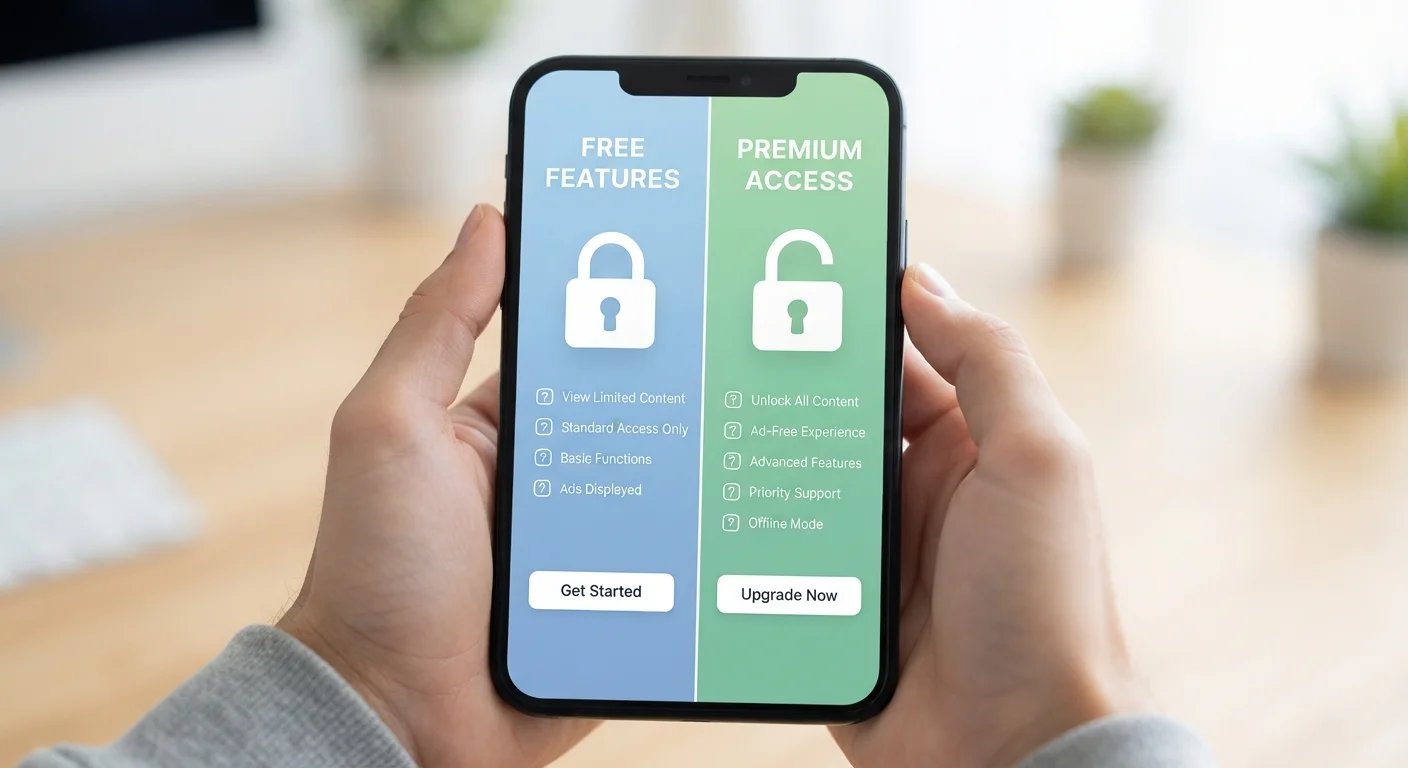
How Free and Paid Tiers Are Structured
Most app developers use a model sometimes called freemium - a portmanteau of "free" and "premium." The free tier is intentionally designed to be useful enough that you keep using the app, while the paid tier removes friction and unlocks capabilities that make the app more powerful. This isn't accidental; it's a deliberate product strategy.
Understanding this framing matters because it shifts how you evaluate an app. The question isn't whether the free version is "good enough" in the abstract - it's whether the specific limitations of the free version create real friction in your life. If they don't, you're already getting what you need at no monetary cost. If they do, upgrading may genuinely be worth it.
That said, free tiers carry their own costs - typically ads, data collection, or both. These tradeoffs are real and worth accounting for alongside the dollar cost of a paid subscription.
| Free Tier | Paid Tier | |
|---|---|---|
| Advertising | Ads present, often frequent | Typically ad-free |
| Storage or usage caps | Low limits, often restrictive | Higher or unlimited capacity |
| Offline access | Usually unavailable | Commonly included |
| Advanced features | Locked or limited | Fully unlocked |
| Data privacy tradeoffs | Higher (data often monetised) | Lower (revenue from subscription) |
| Customer support | Self-serve or slow response | Priority or direct support |
| Monetary cost | $0 | Recurring monthly or annual fee |
What's Commonly Locked Behind a Paywall
While every app is different, certain feature categories are routinely reserved for paid users across most categories:
- Storage limits: Cloud storage, note-syncing, and file-saving apps frequently cap free users at a low threshold (often 5-15 GB or a handful of documents) and charge for more.
- Offline access: Streaming music, podcast, and reading apps commonly restrict offline downloads to paid subscribers.
- Ad removal: Ads are the most visible free-tier cost. Paid plans almost universally remove them.
- Advanced features: Tools like AI-powered suggestions, version history, collaboration features, or detailed analytics are frequently paywalled.
- Usage caps: Free users may be limited to a set number of tasks per month - AI writing tools, for example, often cap free queries.
- Priority support: Faster customer service response is a near-universal paid-tier perk.
Use the Trial Period Strategically
If an app offers a free trial of its paid tier, start it during a week when you'll actually use the app heavily - not during a holiday or slow period. This gives you a realistic picture of whether the paid features solve real friction for you. Cancel before the trial ends if you're unsure; most apps require you to opt out rather than opt in to billing.
Before upgrading, check whether a feature you want is locked behind the paid tier or simply hidden in settings. Some capabilities are available for free but not prominently surfaced.
What Free Tiers Usually Deliver Well
Free tiers aren't just stripped-down demos - many provide genuine, sustained utility:
- Core functionality: The primary use case of most apps works on free plans. A to-do app lets you add and complete tasks; a weather app gives you forecasts; a budgeting app lets you log expenses.
- Cross-device sync (sometimes): Some apps sync data across devices on free plans; this varies widely by category.
- Community or content access: Free accounts on learning platforms, forums, or content apps often grant access to a meaningful library of material.
- Basic integrations: Connecting an app to one or two other tools is often free; deeper multi-app workflows tend to be paid.
For many users, the free tier covers 80-90% of actual use. The honest question is whether the remaining 10-20% is worth a recurring charge - and whether you'll still feel that way six months in. If you're already managing multiple subscriptions, it's worth reviewing them periodically. Our guide on subscriptions you may have forgotten about can help you audit what you're actually using.
How to Decide Whether Upgrading Makes Sense
A practical framework helps cut through the noise:
- Identify the specific friction: Are you hitting a storage cap weekly? Being interrupted by ads constantly? Unable to use the app without Wi-Fi in situations where that matters? Name the problem precisely.
- Estimate your actual usage: If you use the app once a month, a monthly subscription rarely pencils out. Daily use is a different story.
- Trial before committing: Many paid tiers offer a free trial period. Use it fully - not just for a day - before deciding.
- Check for family or annual plans: Paid tiers often have pricing structures that make more sense at scale. An annual plan may cost meaningfully less per month than a month-to-month option.
- Consider what the free version actually costs you: If the app is ad-supported and data-hungry, the free version has non-monetary costs. This explainer on what free apps trade on can help you weigh those tradeoffs.
Watch for Upgrade Prompts Designed to Feel Urgent
Some apps use interface design to make free-tier limits feel more painful than they are - frequent pop-ups, progress bars near arbitrary caps, or locked icons on features you'd rarely need. If you find yourself reaching for the upgrade button out of frustration rather than genuine need, pause and revisit the decision later. Annoyance is not the same as a use-case gap.
Finally, be honest about whether you actually need the app at all. Our piece on assumptions that drive unnecessary downloads is worth reading before you commit to any tier.


