

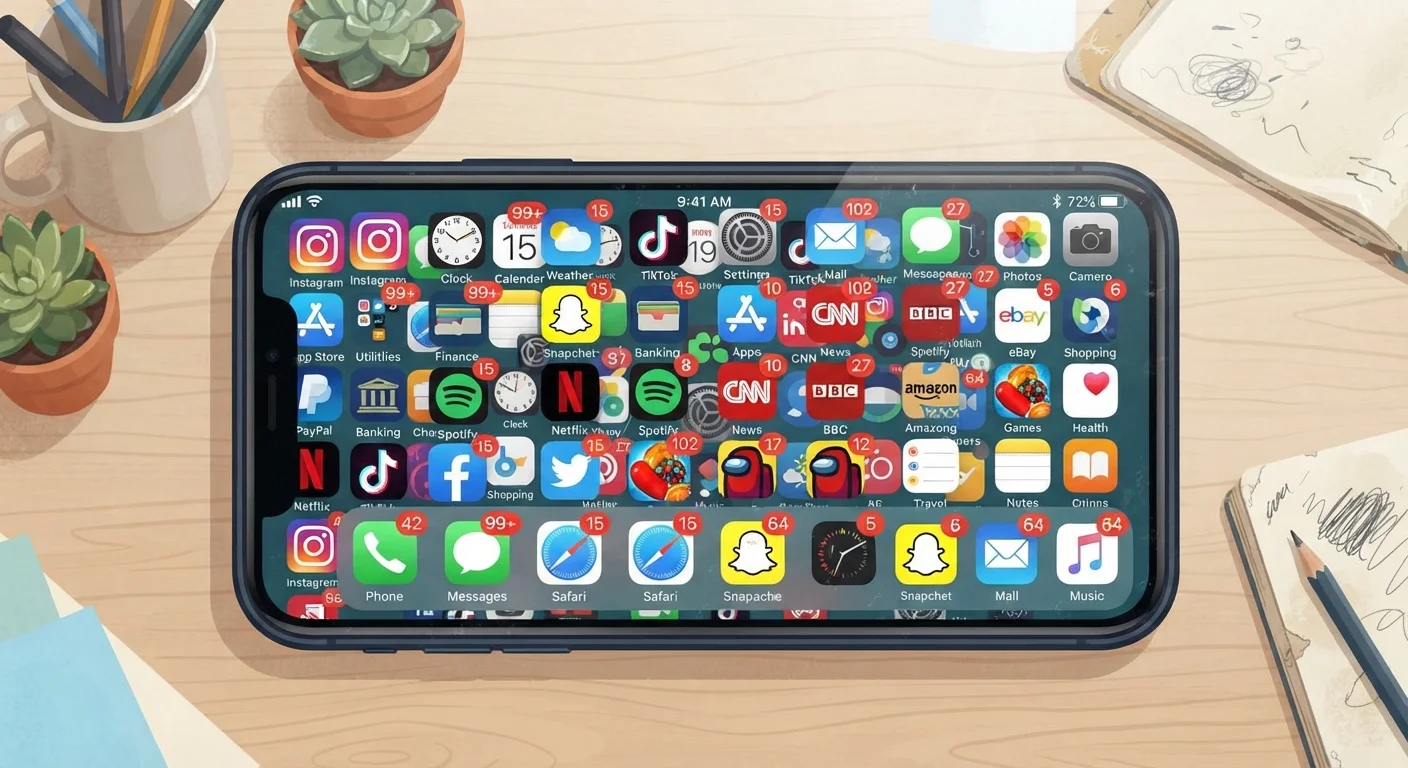
Why Your App Drawer Keeps Growing
Studies consistently find that the majority of installed apps are rarely or never opened after the first week. Yet downloads keep climbing - not because people carefully evaluated each app and decided it was essential, but because a handful of common assumptions short-circuit the decision. Understanding those assumptions is the fastest way to stop the pattern.
This isn't about minimalism for its own sake. Some apps genuinely earn their place. The problem is the ones that never did - the ones that consumed storage, requested permissions, and potentially ran background processes for months before anyone noticed. For a closer look at what those permission requests actually mean, see what app permissions actually do.
Assuming a dedicated app will always work better than the browser version.
Why it happens: App store listings often emphasize speed and convenience, making a native app sound superior by default. In reality, many services offer browser experiences that are nearly identical in function.
Downloading an app because a recommendation came from a trusted source, without checking personal fit.
Why it happens: Word-of-mouth and social sharing carry strong credibility signals. People assume that if an app works well for someone they trust, it will work for them too.
Treating high download counts or star ratings as proof of genuine usefulness.
Why it happens: App store interfaces prominently display these figures, and large numbers feel like social validation. However, ratings reflect the experiences of whoever chose to leave a review, and install counts include people who deleted the app after one session.
Installing an app 'just in case' it becomes useful later.
Why it happens: Anticipatory downloading feels prudent, like packing for every weather scenario. The cost of an install seems low in the moment, so the mental bar for doing it drops.
Assuming the app is free because there's no upfront charge.
Why it happens: A $0 price tag reads unambiguously as free. The mechanisms behind in-app purchases, subscription auto-enrollment, and data monetization aren't visible on the download screen.
Before You Download: Questions Worth Asking
Breaking the assumption habit doesn't require a lengthy review process. One practical filter: ask whether you have an actual, recurring need the app would meet - not a hypothetical one. A second check: see whether your phone's existing tools, or a browser tab, already handle it adequately.
Background Activity Has Real Costs
Apps you rarely open can still run background processes, send notifications, and access permissions you've granted - draining battery and potentially collecting data. If you haven't opened an app in 30 days, it's worth asking whether it should stay installed at all. For privacy considerations around apps that sync across devices, see cross-device app syncing and privacy.
If you've already accumulated apps you're unsure about, a related problem is often lurking: subscription charges attached to apps you've forgotten. A methodical audit can surface these. Our guide on forgotten subscription apps walks through where to look and what to do. And if an app you're considering is free, it's worth understanding the trade-off - free apps are rarely entirely free, and the currency is often your data or attention.
For a structured way to evaluate any new app before committing, see how to evaluate a new app before you download it. It covers permissions, update history, and review signals that reveal whether an app is likely to deliver what its listing promises.
25%
Apps abandoned after one use
Research from mobile analytics firm Localytics has found that roughly one in four apps is used only once before being abandoned.
~80
Average apps installed per smartphone
App analytics research suggests the typical smartphone user has around 80 apps installed but regularly uses fewer than 10.


