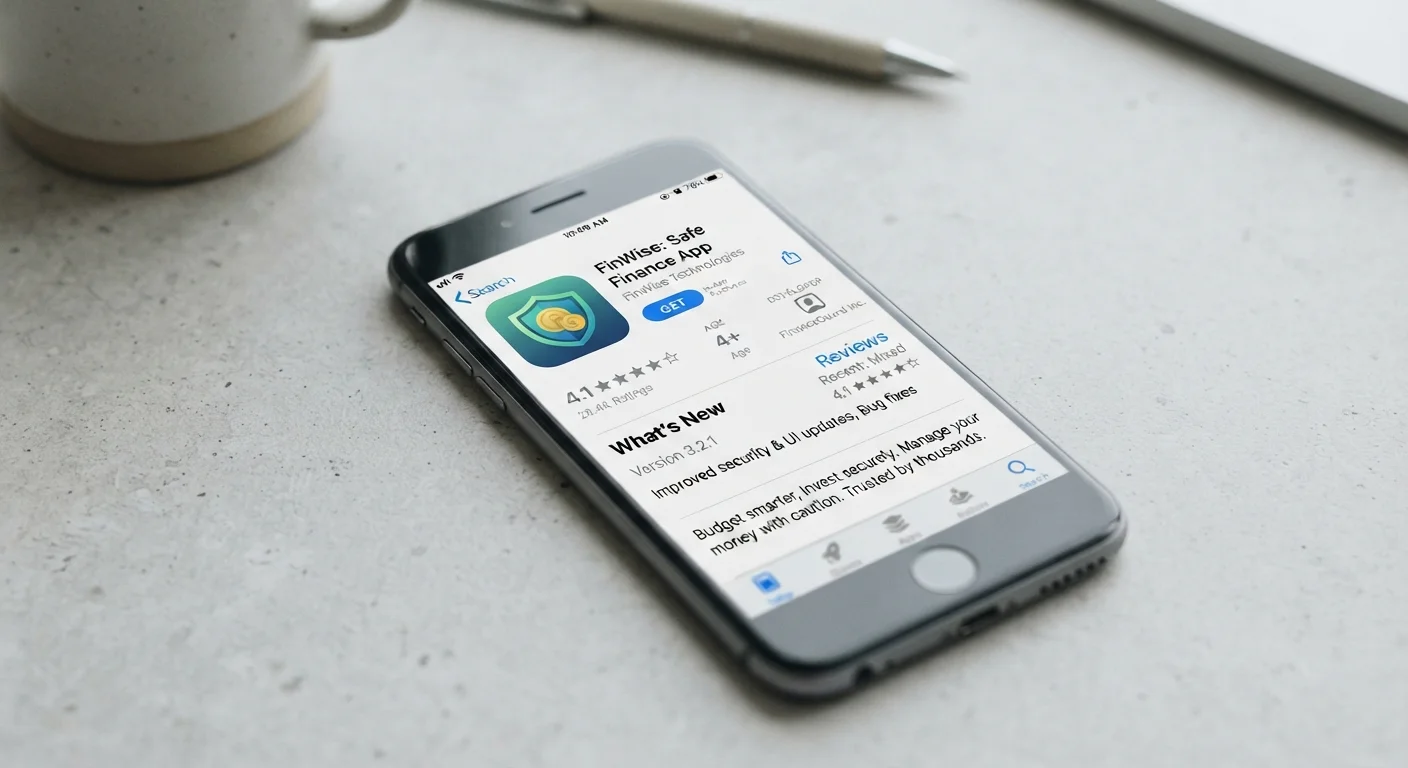
Not every app does what its listing promises. These are the practical signals — permissions, update history, reviews — that tell you whether an app is worth your trust.
Key Takeaways
App store ratings alone are not a reliable indicator of trustworthiness or quality.
Permissions that don't match an app's stated purpose are a meaningful red flag.
Update frequency and developer responsiveness signal whether an app is actively maintained.
Reading one-star reviews often reveals issues that five-star reviews won't mention.
A clear privacy policy written in plain language is a basic quality signal.
Asking whether you actually need the app is the most underrated step of all.
Why the App Store Listing Is Only the Starting Point
The average smartphone user has dozens of apps installed - and research consistently finds that a significant share go unused within weeks of download. The problem isn't just clutter. Apps that aren't vetted carefully can drain your battery, harvest data you didn't intend to share, or simply fail to do what they promised.
App store listings are written by developers, not independent reviewers. That means the screenshots are curated, the description is marketing copy, and the ratings can be manipulated. Before you commit, a short audit of a few key signals takes less time than you might think and pays off in fewer regrets. For a broader look at the tradeoffs behind no-cost apps, see why 'free' apps are never entirely free.
Use the checklist below every time you're considering a new download. Work through it in order - some early answers will make later steps unnecessary.
Before You Open the Listing
Confirm you actually need this app - identify the specific task it will solve that your current tools can't.Must
Search for the app by name alongside terms like 'problems', 'scam', or 'privacy' to surface community concerns before you read the official listing.Must
Check whether a trusted contact or credible publication has recommended or reviewed the app.Should
Evaluating the App Store Listing
Verify the developer name and look them up independently - a legitimate developer should have a public website or traceable history.Must
Check the 'last updated' date; an app that hasn't been updated in over a year may not be actively maintained or patched for security.Must
Read the one- and two-star reviews first - they tend to surface recurring bugs, misleading claims, and subscription traps that positive reviews omit.Must
Look at the developer's responses to negative reviews to gauge whether they engage constructively with user complaints.Should
Check the total number of ratings alongside the average score - a 4.8-star average from 40 ratings carries much less weight than the same score from 40,000.Should
Review the screenshots and description for vague claims like 'boost performance' or 'clean your phone' without a clear mechanism - these are common signals of low-quality or misleading apps.Should
Permissions and Privacy
Review the permissions list before downloading and flag any that don't match the app's stated purpose (e.g., a flashlight app requesting contacts access).Must
Locate and read the app's privacy policy - if there isn't one, or it's unreadable legalese with no plain-language summary, treat that as a warning sign.Must
Check whether the app collects data for third-party advertising; both major app stores now display a 'data linked to you' or similar summary on the listing page.Must
Note whether the app offers a guest or limited-access mode so you can try it without granting full account or data access immediately.Nice to have
Subscription and Cost Transparency
Identify the full cost structure - one-time purchase, freemium, or subscription - before installing, not after.Must
Check whether core features are locked behind a paywall that the listing doesn't make obvious; look for phrases like 'premium features' buried in the description.Must
If a free trial is offered, note the exact trial length, what it costs after, and how to cancel - and set a calendar reminder before the trial ends.Should
Search for recent complaints about unexpected charges or difficult cancellation processes specific to this app.Should
Final Check Before Installing
Confirm you're downloading from the official app store for your device platform, not a third-party source or sideloaded file.Must
Make a brief note of what the app is supposed to do so you can revisit and uninstall it within 30 days if it hasn't delivered.Nice to have
What to Do With What You Find
Running through this checklist will occasionally surface a clear deal-breaker - an app that requests microphone access for a to-do list, or a developer with no public presence and a year-old update. In those cases, the answer is simple: skip it and look for an alternative.
Watch for Review Manipulation Patterns
A large cluster of five-star reviews posted within a short time window - especially reviews that use similar phrasing and lack specific detail - can indicate coordinated or incentivized ratings. This pattern is worth taking seriously, because it makes an app appear more popular or reliable than independent feedback would suggest. Our guide to spotting genuine reviews versus fakes covers the patterns to watch for in more detail.
More often, you'll find a mixed picture. An app might have a solid update history but a vague privacy policy. In those situations, weigh the specific risk against the genuine usefulness of the tool. An app you'll use daily with minimal permissions is a different calculation from one you'd open twice a month that wants access to your contacts.
Permissions deserve particular attention because they determine what an app can do in the background, not just when you're actively using it. Our guide on what app permissions actually mean breaks down each common request in plain language so you know what you're agreeing to.
If you install the app and later feel uneasy about it, most mobile operating systems let you revoke individual permissions without uninstalling. And if you're planning to use an app across multiple devices, read up on syncing apps across devices without creating a privacy mess before you enable cross-device access.
Finally, the most effective filter is the one that comes before any of this: ask honestly whether you need the app at all. Common assumptions drive unnecessary downloads - recognizing them saves you the audit entirely.
Online Editorial Team is the collective byline for our editorial team and contributor network. Articles published under this byline or an editorial pen name are researched, written, and reviewed according to our editorial standards for clarity, consistency, and independence before publication.
The content on this site is for informational purposes only and is not a substitute for professional advice. Always consult a qualified professional for guidance specific to your situation.