Why the Distinction Matters
The terms "smart home" and "home automation" appear side by side in product listings, magazine articles, and casual conversation - often as if they mean the same thing. They don't. Treating them as synonyms leads to mismatched expectations: homeowners who expect a hands-free experience end up disappointed with a collection of gadgets that still require constant attention.
Understanding the difference helps you spend more deliberately, set up your space more effectively, and know exactly what you're getting when you add a new device. As what a smart home really means explains, marketing language tends to blur these lines - so a clear baseline is worth establishing before you buy anything.
| Criterion | Smart Home | Home Automation |
|---|---|---|
| Core concept | Remote control of connected devices | Devices act without manual input |
| Human involvement | User initiates most actions | Triggers fire actions automatically |
| Setup complexity | Low to moderate | Moderate to high |
| Primary interface | App, voice command | Rules engine, hub, or platform logic |
| Typical entry point | First connected device | After a base of smart devices exists |
| Ongoing management | Minimal after device setup | Routines require periodic review |
What a Smart Home Actually Is
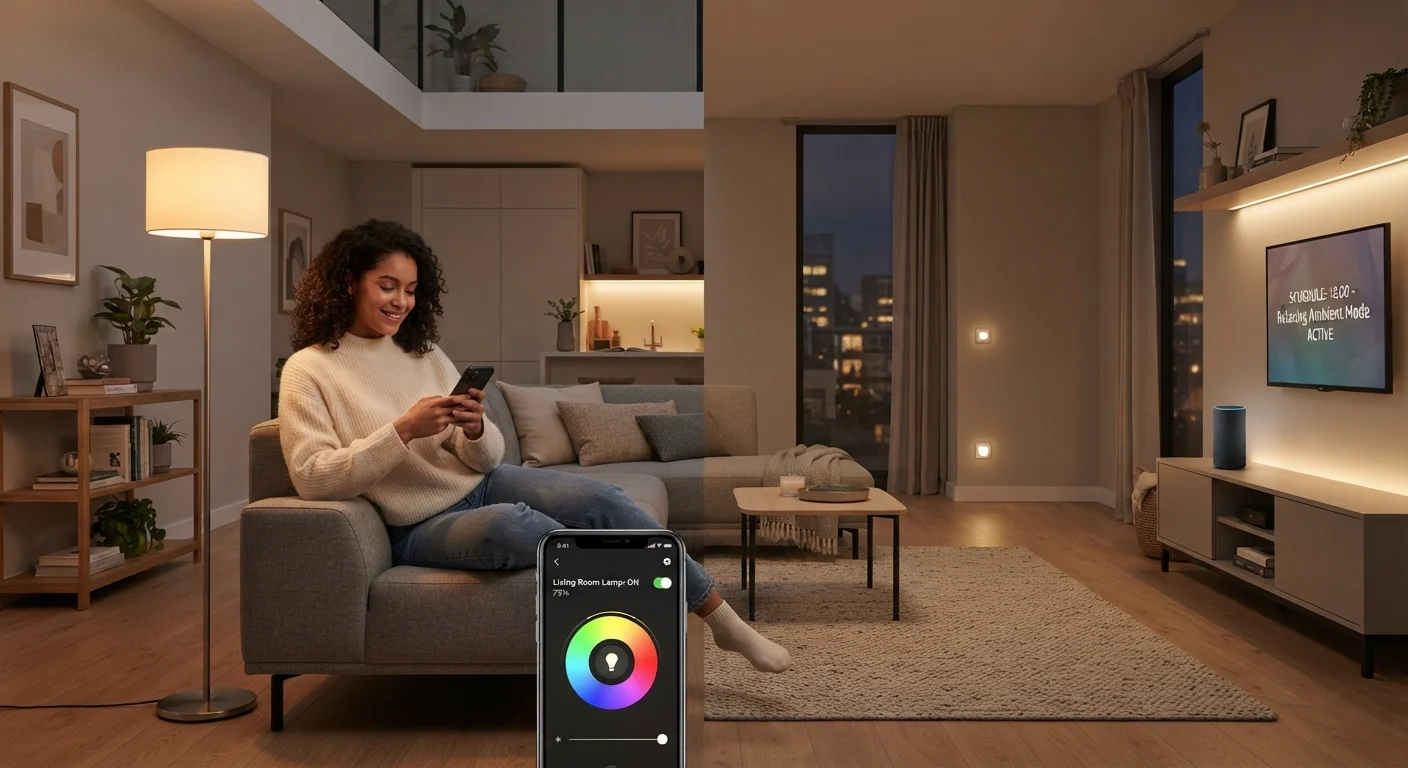
A smart home is a residence where devices - lights, locks, thermostats, cameras, speakers - are connected to a network and can be monitored or controlled through an app, voice command, or web interface. The defining characteristic is connectivity. You can check whether you left the garage door open from a different city. You can dim the living room lights without leaving the couch.
But in most smart home setups, the human is still the decision-maker. The thermostat doesn't change unless you tell it to. The lights don't turn off unless you tap the app. The system is responsive, not proactive. That distinction is subtle but significant. The wireless protocols these devices use - discussed in detail in our guide to Wi-Fi, Zigbee, and Z-Wave - affect reliability and range, but they don't change this fundamental dynamic.
~57%
U.S. households with at least one smart device
According to Statista estimates for recent years, a majority of American households own at least one internet-connected home device, most commonly a smart speaker or thermostat.
3-5 apps
Average apps managed by multi-device smart home owners
Industry surveys consistently find that households with several smart devices often manage them across multiple manufacturer apps, a friction point that automation platforms aim to reduce.
What Home Automation Adds
Home automation introduces logic: if this happens, then do that. Instead of tapping an app to turn off the porch light each morning, an automation rule does it when sunrise is detected. Instead of adjusting the thermostat before bed, a scheduled routine drops the temperature at 10 p.m. every night without any prompt from you.
The key ingredients are triggers (time of day, sensor readings, device states, location data) and actions (device commands that fire automatically when a trigger is met). A motion sensor detecting no activity for 30 minutes can trigger all lights to switch off. A door sensor detecting the front door opening in the evening can trigger interior lights to turn on and the alarm to disarm.
This is why home automation is often described as a layer built on top of a smart home - you need the connected devices first, then you program the rules that make them act on their own. If you're building from scratch, this practical starting point for new smart home setups covers the order in which to approach it.
Automation Requires a Reliable Network Foundation
Automated routines depend on devices staying connected and responding consistently. A congested Wi-Fi network or devices using incompatible protocols can cause rules to fire incorrectly or not at all. Before investing heavily in automation logic, it's worth ensuring your network and device ecosystem are stable. Mesh networks and dedicated smart home protocols like Zigbee or Z-Wave can help in larger homes.
Practical Implications for Your Home
The gap between these two setups is most visible in daily life. A smart home owner might open three apps in the morning to set the thermostat, check the front camera, and turn off a forgotten light. A home automation user's routines handle all of that automatically based on time or presence - no apps opened, no decisions made.
That said, full automation isn't always the goal. Many households run a hybrid: some devices on manual smart control, others on automated schedules or triggers. The right balance depends on how predictable your household's patterns are and how much setup time you're willing to invest upfront.
Automation does require periodic maintenance. Routines drift when schedules change, firmware updates alter device behavior, or new devices disrupt existing rules. Our guide to keeping a smart home running reliably over time covers the habits that prevent these breakdowns. For the full picture of how these concepts fit into a broader connected home strategy, see our end-to-end smart home guide.