

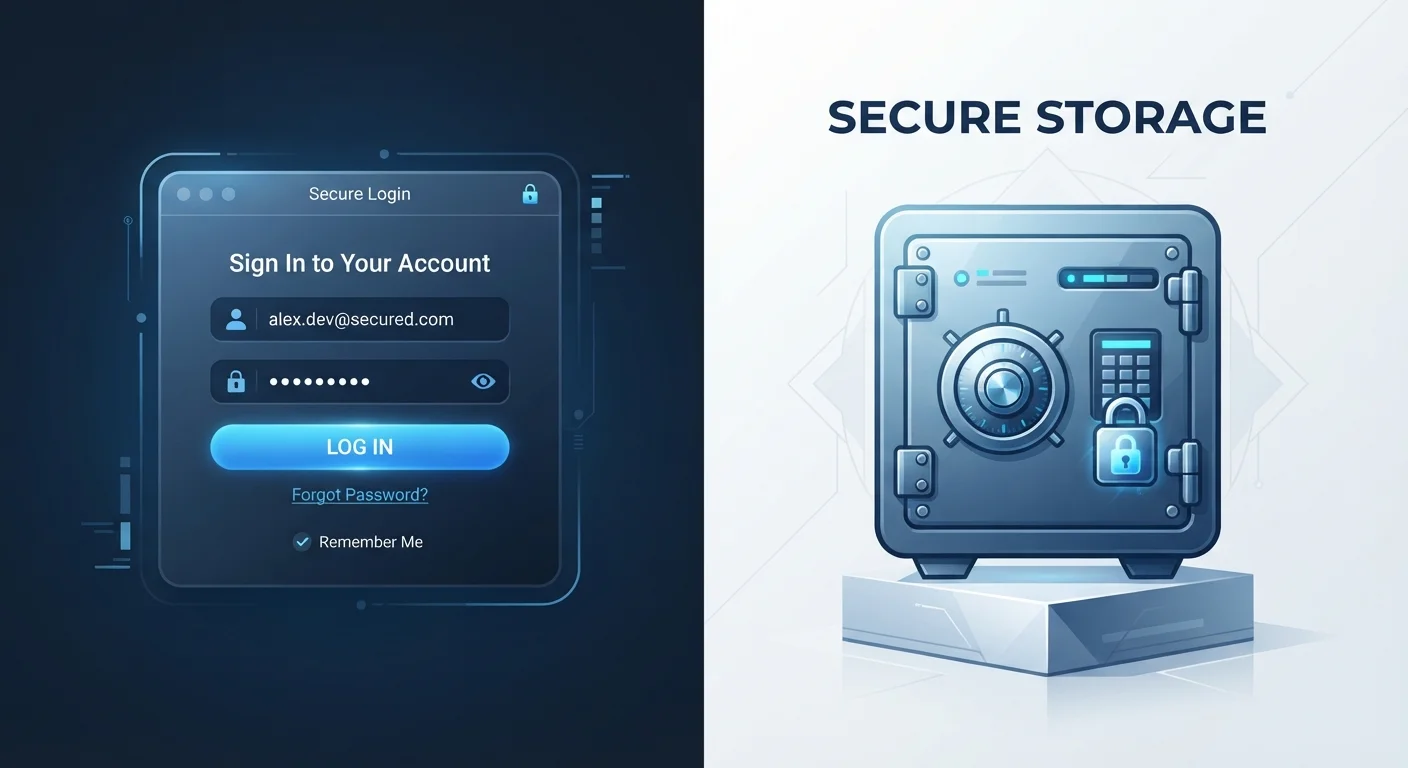
How Each Method Actually Stores Your Credentials
When your browser asks "Save this password?" it stores your credentials in a local vault tied to your browser profile - typically protected by your device login or, in some cases, a separate account password (like your Google or Apple ID). This means your passwords are only as secure as your device and that account.
Dedicated password managers work differently. They encrypt your credentials in a separate vault using a master password that only you know. Most reputable managers use a zero-knowledge architecture - meaning the service itself cannot read your stored passwords. Even if the provider's servers were breached, encrypted data would be far less useful to an attacker without your master password.
For a deeper look at how standalone managers work under the hood, see Password Managers Demystified.
| Criterion | Dedicated Password Managers | Browser-Saved Passwords |
|---|---|---|
| Encryption model | Zero-knowledge, independent vault | Tied to browser/device account |
| Cross-browser support | Works across all browsers | Limited to one browser ecosystem |
| Password generation | Advanced, customizable | Basic suggestions available |
| Breach/reuse alerts | Yes, in most managers | Limited or basic |
| Phishing protection | Domain-matching before autofill | Varies; less reliable |
| Setup effort | Requires initial setup | Zero - built in already |
| Shared device safety | Protected by master password | Accessible to any browser profile user |
The Real Security Differences Worth Understanding
Browser password storage has improved substantially - Chrome, Safari, and Firefox all use encryption and support two-factor authentication on the associated account. But several structural limitations remain:
- Phishing exposure: Browsers will sometimes autofill credentials on lookalike sites. Many dedicated managers cross-check the exact domain before filling, offering an extra layer of protection.
- Cross-browser portability: Your Chrome-saved passwords don't follow you into Firefox or Safari. Standalone managers are browser-agnostic.
- Password generation: Most browsers can suggest strong passwords, but dedicated managers typically offer more control over length and character rules - and flag reused or weak passwords across your vault.
The single biggest risk in both systems isn't the storage method - it's password reuse. If one site is breached and you've used the same password elsewhere, attackers will try it everywhere. Our article Why Strong Passwords Alone Won't Save You explains why reuse is the attack vector that matters most.
80%
Of breaches involving weak or reused passwords
Verizon's Data Breach Investigations Report has consistently found that a large majority of hacking-related breaches exploit stolen or weak credentials.
~50%
Of Americans who reuse passwords across accounts
Surveys from security researchers at Google and Harris Poll have found roughly half of US users admit to reusing the same password across multiple sites.
Convenience Trade-Offs You Should Weigh
Browser-saved passwords win on friction. They require no extra app, no new account, and no learning curve - the prompt appears automatically. For many users, this ease is exactly why they use it.
Dedicated managers add one step: opening or unlocking the manager, or installing its browser extension. That extension does introduce its own considerations - browser extensions carry their own risk profile worth understanding before you install.
However, the organizational advantages of a dedicated manager tend to outweigh the added friction for most people with more than a handful of accounts. Features like secure notes, emergency access contacts, and breach alerts aren't available in standard browser vaults. Once set up, autofill in a dedicated manager feels nearly identical to browser autofill - the daily experience difference is minimal.
Whatever method you choose, it should be part of a broader security habit. Running a periodic review of your accounts - old logins, outdated recovery emails, and unused apps - closes gaps that password storage alone won't catch. See the Account Security Audit Every American Should Run Once a Year for a practical checklist.
Don't Skip Multi-Factor Authentication
No matter which password storage method you use, enabling multi-factor authentication (MFA) on important accounts adds a critical second layer of protection. Even if a password is exposed in a data breach, MFA can stop an attacker from accessing your account. Most major services - email, banking, social media - support MFA through an authenticator app or SMS. Prioritize accounts that hold financial or personal data first.


