

The Problem Password Managers Solve
The average American maintains dozens of online accounts - banking, streaming, shopping, healthcare, and more. Security guidance consistently recommends using a unique, complex password for every account. In practice, most people reuse a handful of memorable passwords because remembering unique ones for every site is not realistic.
That's the gap password managers fill. When one site in a breach exposes a recycled password, attackers routinely test it against other sites in a technique called credential stuffing. Unique passwords eliminate that chain reaction. Password managers make unique passwords practical by removing the memory burden entirely.
For broader context on building layered account security, the Internet Safety From End to End guide covers how passwords fit into a wider set of protective habits.
81%
Data breaches involving weak or stolen passwords
According to Verizon's Data Breach Investigations Report, the majority of hacking-related breaches exploit compromised credentials.
100+
Average online accounts per person
Research from NordPass and similar studies has consistently found that individuals maintain well over 100 password-protected accounts.
65%
People who reuse passwords across sites
Google's online safety survey found roughly two-thirds of respondents admitted to reusing the same password on multiple accounts.
How a Password Manager Actually Works
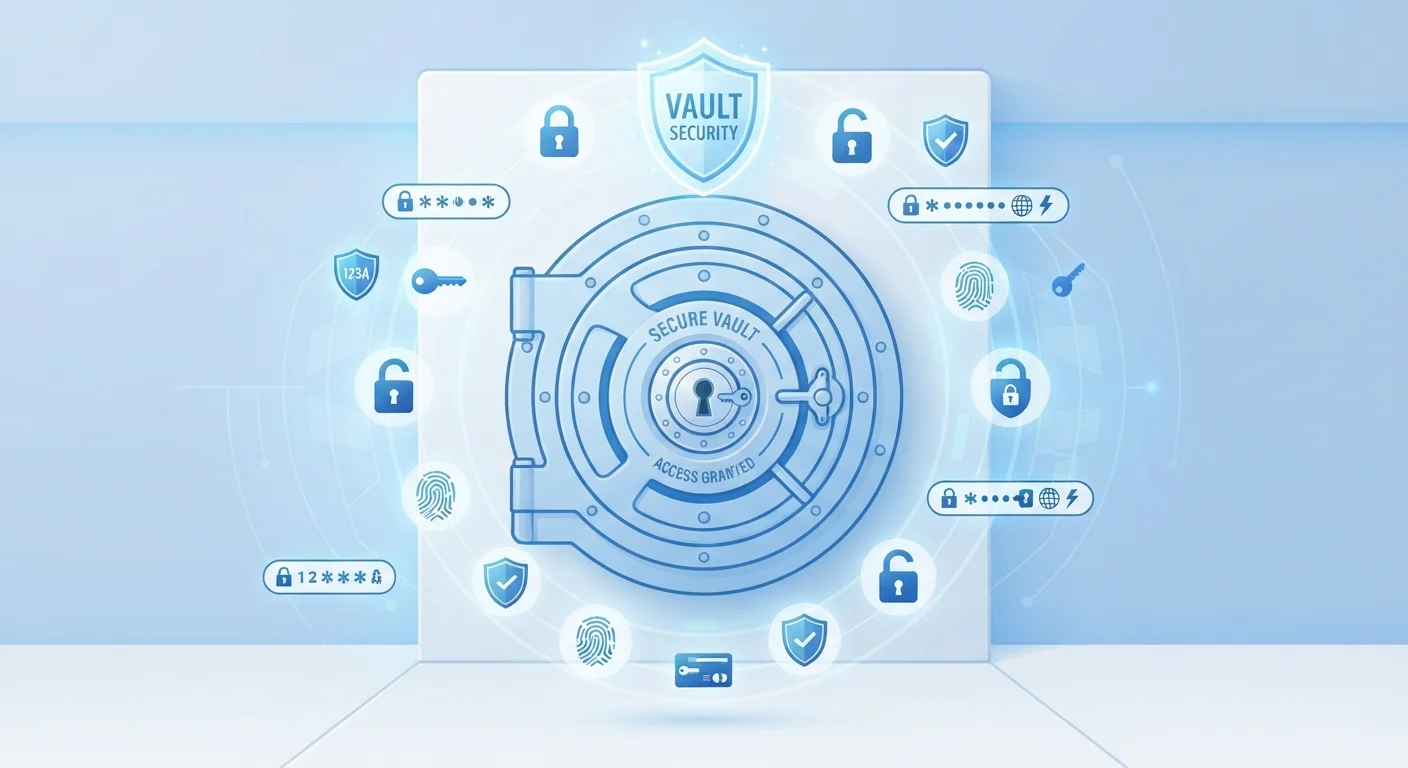
When you create an account with a password manager, you set a master password. This password is used to generate an encryption key that locks your vault. Your credentials are encrypted on your device before they are ever sent to the provider's servers - a design called zero-knowledge architecture.
Day-to-day, a browser extension or mobile app detects when you visit a login page and offers to fill in your credentials automatically. When you create a new account, the manager can generate a random, lengthy password - something like gT#8kLw!2mQr - that you never need to type or remember.
Most managers also include a security dashboard that flags weak passwords, reused passwords, and accounts that appear in known data breaches. That monitoring turns a passive storage tool into an active safety check.
Make Your Master Password Count
Your master password is the one password you must remember - and it protects everything else. Use a long passphrase of four or more random words rather than a single complex word with character substitutions. Avoid any phrase tied to personal information like birthdays or pet names. Store a written copy in a physically secure location as a backup.
What Gets Stored - and What Doesn't
A password manager's vault can typically hold more than just passwords. Common stored items include:
- Website usernames and passwords
- Secure notes (e.g., Wi-Fi credentials, software license keys)
- Credit card numbers for autofill at checkout
- Personal identity details like addresses
What a password manager does not store is your master password itself - that never leaves your device in a form the provider can read. It also does not replace two-factor authentication (2FA). Even with every password managed perfectly, enabling 2FA on critical accounts adds a separate barrier that password theft alone cannot defeat. See Two-Factor Authentication: The Security Layer Most People Skip for how that layer works.
“The number one thing I tell anyone who asks about online security is to start using a password manager. It's the single highest-impact action most people haven't taken yet.”
— Bruce Schneier, Security technologist and author of multiple books on cybersecurity
Key Factors to Evaluate Before Choosing One
Choosing a password manager is a decision worth thinking through rather than rushing. Some factors that security-minded consumers typically weigh:
- Encryption standard
- Look for AES-256 encryption and a published zero-knowledge policy. Reputable tools document their security model openly.
- Cross-device sync
- Check whether the manager supports all the devices and browsers you actually use, including both desktop and mobile.
- Two-factor authentication support
- A password manager that supports 2FA for its own login significantly raises the bar for unauthorized access.
- Breach monitoring
- Alerts when your stored credentials appear in known data breaches are a meaningful safety feature, not just a premium add-on.
- Recovery options
- Understand the account recovery process before you need it. A zero-knowledge system means the provider cannot bail you out if you lose access.
For a direct comparison with browser-based password storage, Password Managers vs. Browser-Saved Passwords walks through the key differences.
Fitting a Password Manager Into Your Security Habits
A password manager is a tool, not a complete solution. It works best as part of a broader set of habits. Strong, unique passwords stored in an encrypted vault reduce one major attack surface - but as Why Strong Passwords Alone Won't Save You explains, layered authentication is essential in today's environment.
If you use smart home devices or connected security systems, your online accounts are part of that security picture too. The Smart Home Security Setup checklist covers how account security intersects with physical home security.
Getting started is simpler than most people expect. Install a manager, import or manually add your existing passwords, and let the tool flag which ones need updating. Prioritize changing reused passwords on financial, email, and healthcare accounts first - those carry the most consequence if compromised.
The Internet Safety Basics hub is a useful starting point for readers looking to build out a complete set of online safety practices beyond passwords alone.
Migrating Existing Passwords Takes Time
Don't expect to secure every account in a single session. Most people find it practical to add passwords to their manager gradually - whenever they log into a site, update or save that credential then. Prioritize high-value accounts (email, banking, healthcare) in the first week. The rest can follow over time without overwhelming the process.


