

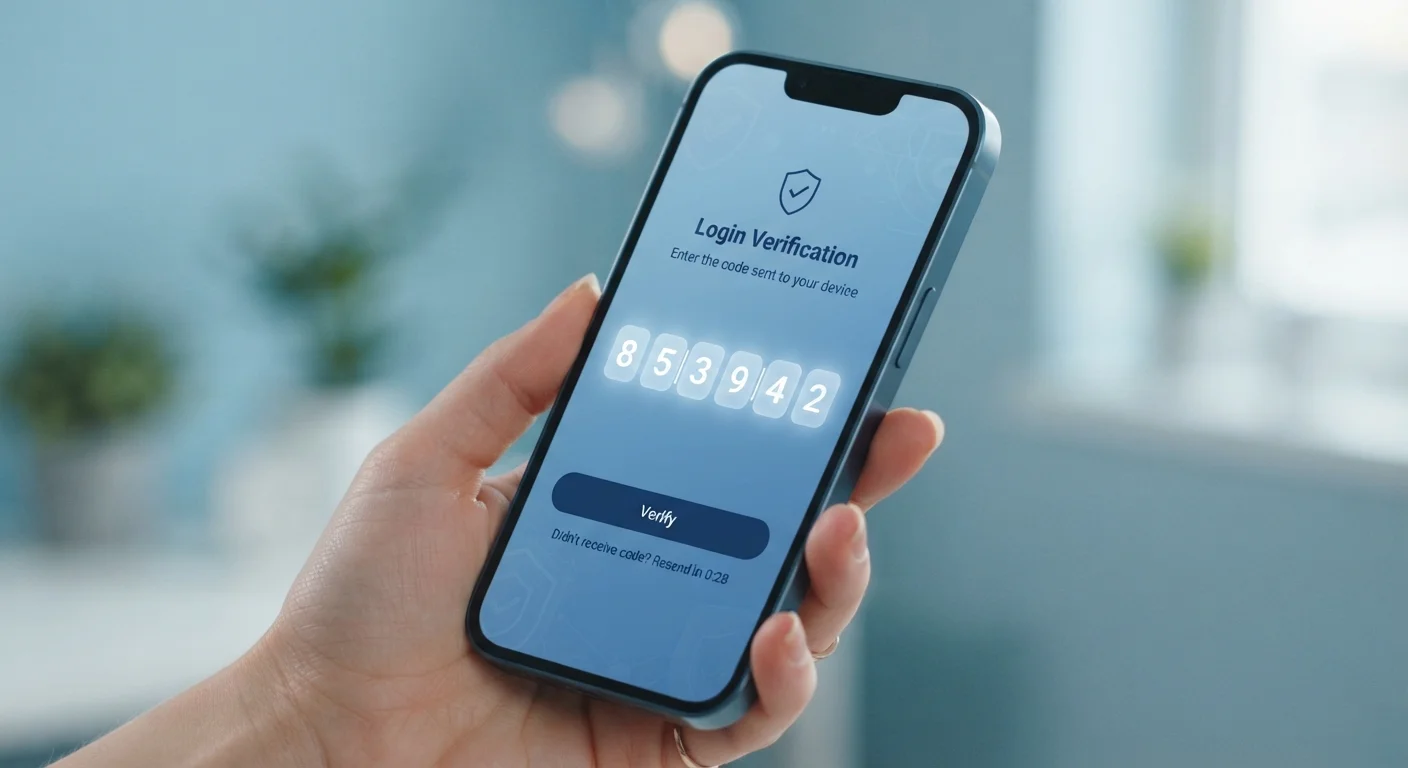
What Two-Factor Authentication Actually Is
A password is a single lock on a door. Two-factor authentication (2FA) adds a deadbolt - one that requires something entirely different to open. When 2FA is active, logging in means proving your identity in two distinct ways: something you know (your password) and something you have or are (a temporary code, a physical key, or a biometric scan).
The practical impact is significant. If a data breach exposes your password, an attacker still can't get into your account without that second factor. According to Google's internal research, adding a second factor to an account dramatically reduces the likelihood of a successful hijacking - even when the password is already compromised.
This matters because strong passwords alone have real limits. Passwords get leaked in breaches, guessed through repeated attempts, or phished from users directly. A second layer changes the math for anyone trying to break in.
Two-factor authentication (2FA)
A login process that requires two separate proofs of identity - typically a password plus a temporary code or device confirmation.
Authenticator app
A mobile app that generates short-lived numeric codes used as a second login factor, without relying on your phone number or cell service.
SIM swapping
An attack where a criminal convinces your phone carrier to transfer your number to a device they control, allowing them to intercept your SMS verification codes.
Hardware security key
A small physical device - often USB or NFC - that you use to confirm your identity when logging in, making it very difficult for remote attackers to impersonate you.
Backup codes
One-time-use codes provided when you set up 2FA, designed to help you regain account access if you lose your primary second-factor device.
Credential stuffing
An automated attack where stolen username and password combinations from one breach are tested against other websites to find accounts where the same credentials were reused.
The Three Types of 2FA (and Which Holds Up Best)
Not all second factors are created equal. Here's how the most common types compare:
- SMS text codes: A one-time code sent to your phone number. Widely supported and easy to use, but vulnerable to SIM-swapping - a technique where attackers convince your carrier to transfer your number to their device.
- Authenticator apps: Apps like those provided by major tech companies generate time-sensitive codes locally on your device, not transmitted over the phone network. They're not vulnerable to SIM-swapping and work without cell service. This is the recommended step up from SMS for most people.
- Hardware security keys: Physical devices you plug in or tap near your phone. These are the most phishing-resistant option available and are worth considering for accounts with the highest stakes. They require physical possession to work.
For the majority of people, switching from SMS codes to an authenticator app is the single most impactful upgrade available without significant cost or complexity.
Set Up an Authenticator App Today
Most major platforms - including Google, Apple, Microsoft, and others - support authenticator apps and document the setup process in their account security settings. Search for 'two-step verification' or 'authenticator app' in your account's security or privacy settings to get started. The initial setup takes about five minutes per account.
Where to Turn It On First
You don't need to enable 2FA everywhere simultaneously. A targeted approach gets you protected where it matters most:
- Primary email account: Your inbox is the master key to your digital life - password resets for virtually every other service route through it. This is the highest-priority account.
- Financial accounts: Banks, credit unions, investment platforms, and payment apps hold real money. Many already offer or require 2FA; if yours doesn't prompt you, check the security settings manually.
- Password manager: If you use one (and it's worth understanding how password managers work before relying on one), protecting it with 2FA is essential - it holds credentials for everything else.
- Social media and work accounts: Compromised social accounts are used to scam your contacts; work accounts can expose employer systems.
If you've set up smart home devices or connected security cameras, account protection extends there too - a compromised account can give strangers access to your home network. See what to check in your smart home security setup for the full picture.
Online shoppers should also prioritize retail and payment accounts. Your payment information exposure risk rises considerably if your shopping accounts lack a second layer of protection.
Common Mistakes That Undercut Your Protection
Enabling 2FA is straightforward, but a few common oversights can leave gaps:
- Skipping backup codes: Every service offers one-time backup codes when you set up 2FA. Many people ignore them. If you lose your phone, those codes are often your only way back in - store them somewhere offline and secure.
- Using the same phone number everywhere: If your number is compromised, SMS-based 2FA on every account fails simultaneously. Diversify with authenticator apps where possible.
- Approving prompts without checking: Some 2FA systems send push notifications asking you to approve a login. If you receive one you didn't initiate, deny it - it means someone has your password and is attempting access.
- Forgetting old accounts: Accounts you haven't logged into in years may still hold personal data. A yearly account security audit helps you find dormant accounts before they become a liability.
Unsolicited 2FA Prompts Are a Red Flag
If you receive a push notification or text code for an account you're not actively trying to log into, do not approve it. This is a strong signal that someone else has your password and is attempting to access your account right now. Deny the request, then change your password immediately.
Two-factor authentication won't prevent every attack - sophisticated phishing can still capture both factors simultaneously in real time. But it eliminates a broad category of credential-stuffing and brute-force attacks that represent the overwhelming majority of account compromises everyday users face.


