

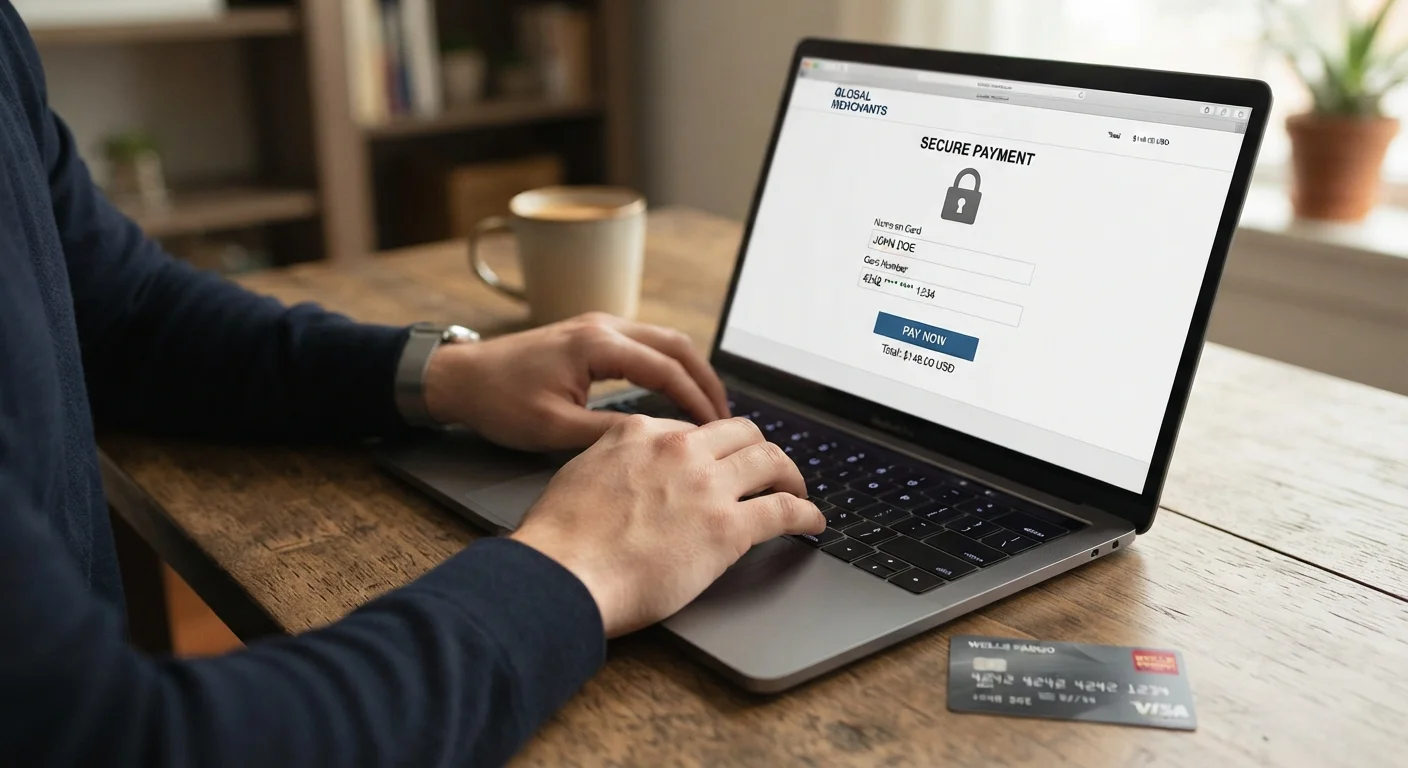
Why Payment Data Is a Prime Target
Online payment fraud costs American consumers and financial institutions billions of dollars annually. Card details, once exposed in a breach or intercepted during checkout, can be used immediately or sold in bulk through underground markets. Unlike a stolen physical wallet, compromised card data often goes unnoticed for days or weeks.
Understanding the specific points where your information is most vulnerable - the checkout page, your retail account, your email inbox - allows you to take targeted action rather than feeling broadly anxious about online shopping. This article focuses on the most effective practices at each of those points.
For a broader look at the data trail everyday browsing creates, see what you're sharing without knowing it.
Verifying the Site Before You Pay
The single most effective pre-checkout habit is confirming you are on the genuine retailer's site. Two things to check: the URL prefix should read https:// and the domain name should match exactly what you expect.
“The lock icon means your connection is encrypted - it does not mean the website itself is legitimate or trustworthy. Phishing sites can and do use HTTPS.”
— Federal Trade Commission, U.S. consumer protection agency, online security guidance
Spoofed retail sites often mimic legitimate ones closely enough that a quick glance misses the difference. Reading the domain character by character before submitting payment takes under ten seconds and eliminates one of the most common vectors for card theft. For a full checklist of what to verify before completing a purchase, see our pre-purchase checklist.
Evaluating whether a retailer itself is trustworthy is a related but separate question - key signals of a trustworthy online seller covers what to look for beyond the padlock.
This Is General Information, Not Financial Advice
The practices in this article are general educational guidance on reducing online payment risk. They are not a substitute for advice from your bank, card issuer, or a qualified financial professional. Contact your card issuer directly for specific protections available on your account.
Practices That Make a Real Difference
The following practices address the most common exposure points during online shopping. They range from features your card issuer may already offer to simple account hygiene habits that take minutes to apply.
Confirm HTTPS and a legitimate domain before entering any payment details.
The padlock icon and 'https://' in the address bar indicate encrypted data transmission, making it much harder for outsiders to intercept what you send. A misspelled domain - such as 'amaz0n.com' - is a common sign of a spoofed site designed to steal credentials.
Use a virtual card number for online purchases whenever your bank or card issuer offers one.
Virtual card numbers are temporary, single-use or merchant-locked numbers tied to your real account. If a retailer is breached, the exposed number is useless to attackers. Many major US card issuers offer this feature at no charge.
Avoid saving payment information to retail accounts unless you use that site very frequently.
Stored card data becomes a target in retailer data breaches. The convenience of one-click checkout carries the trade-off that your data now lives in another company's database, outside your direct control.
Enable two-factor authentication on every account linked to payment methods.
Even if an attacker obtains your password through a breach or phishing attack, two-factor authentication (2FA) requires a second verification step - typically a code sent to your phone - before account access is granted. This one step closes the gap that passwords alone cannot.
Treat unexpected order confirmation emails as potential phishing attempts.
Attackers frequently send fake order confirmation emails that contain malicious links or attachments. Clicking 'view your order' in such an email can redirect you to a credential-harvesting page. Going directly to the retailer's site eliminates this risk entirely.
For context on which widely repeated safety tips offer less protection than people assume, some common habits are myths is worth reading alongside these recommendations.
Spotting Phishing at the Checkout Stage
Phishing attacks - fraudulent messages designed to steal credentials or card details - frequently impersonate retailers and delivery services. After placing an order, your inbox becomes a target: attackers time fake confirmation emails to arrive when you expect real ones.
Red flags in a checkout-related phishing email include: urgent language about a problem with your payment, a sender address that doesn't match the retailer's actual domain, and links that display one URL while pointing to another (hover over a link without clicking to check). Phishing, smishing, and vishing all follow recognizable patterns - knowing them reduces the chance of being caught off guard.
The safest default: never click links in order-related emails. Instead, go directly to the site. If there is a genuine issue with your order, it will appear in your account dashboard.
After a Suspected Compromise
If you notice an unfamiliar charge or suspect your card details were exposed, act quickly. Contact your card issuer to report the charge and request a replacement card. Most US card issuers offer zero-liability protection for unauthorized transactions, but you generally need to report promptly.
Also change the password on any retail account where the card was stored, and enable 2FA if you haven't already. Two-factor authentication is the security layer most people skip - adding it after an incident is better than not adding it, but before is far preferable.
If an account itself was accessed without your permission, the steps to take immediately after an account is hacked walks through the recovery sequence in order. For a comprehensive view of online safety from passwords to devices, the plain-English internet safety reference is a useful starting point.


