

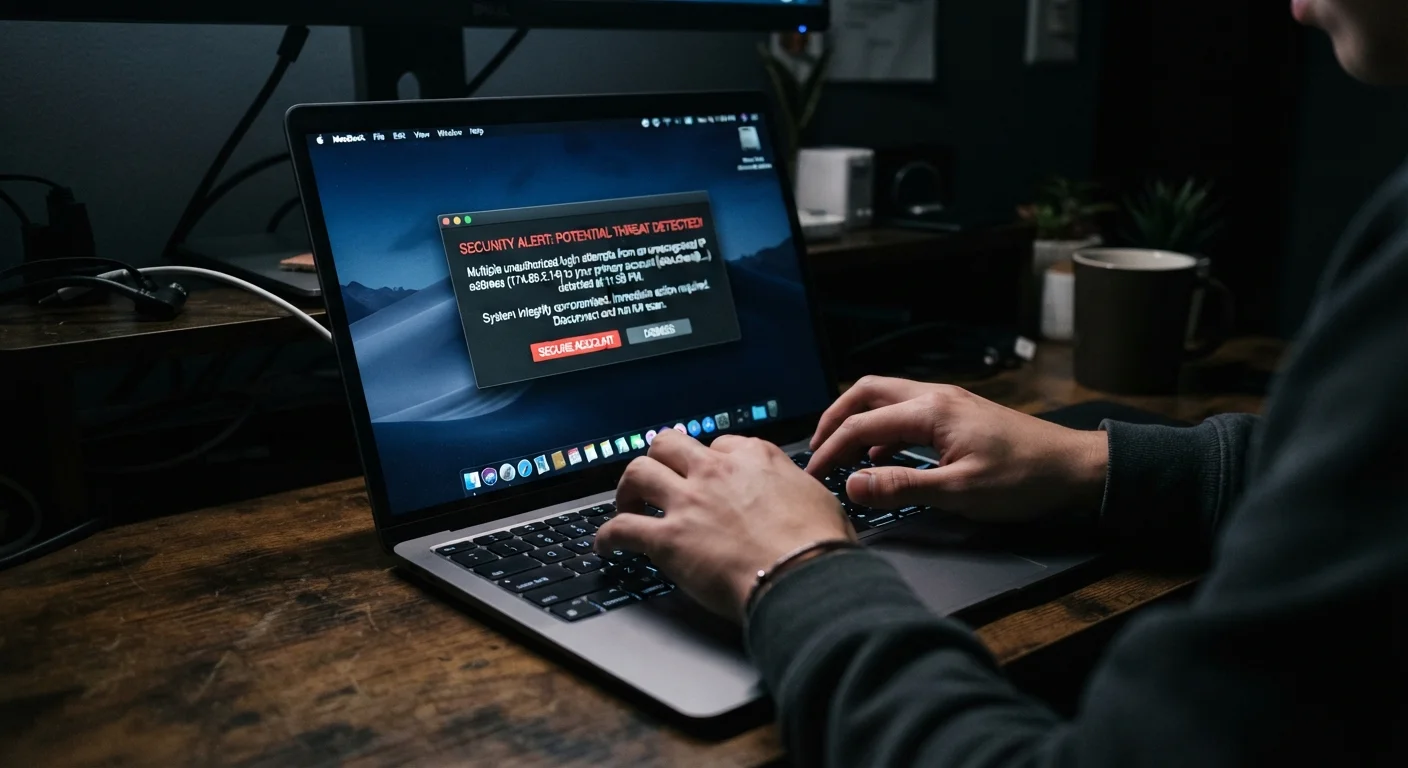
Why the First Few Minutes Matter
An account breach isn't just an inconvenience - it's a window the attacker is actively using. Every minute of delay gives them more time to harvest data, lock you out permanently, or pivot to linked accounts. The steps below are ordered to minimize damage in a specific sequence, not interchangeably.
Understanding what a hacker typically does once inside helps explain the order of operations. Most will first change the recovery email or phone number to lock the legitimate owner out, then look for payment information or connected services. Knowing this, your priority is to regain access and cut off their active session before anything else.
What you will need
Step-by-Step Recovery Process
Follow these steps in order. If you're locked out entirely, start with Step 1. If you still have access, begin at Step 2.
Attempt to regain access through official recovery options
Go directly to the platform's official website and use its "Forgot password" or "Account recovery" flow. Most services will send a one-time code to a backup email or phone number. If the attacker changed those contact details, look for an identity-verification option - many platforms have a manual review process.
Change your password to something new and unique
Once inside, change the password immediately. Make it long (at least 16 characters), random, and unique to this account. Do not reuse it anywhere else. If you've used the same password on other sites, change those passwords next - before doing anything else on those accounts.
Enable two-factor authentication
Navigate to the account's security settings and turn on two-factor authentication (2FA). An authenticator app provides stronger protection than SMS codes, which can be intercepted via SIM-swapping. See our guide to two-factor authentication for a detailed breakdown of how each method works.
Review and terminate all active sessions
Most platforms list every device and location currently signed into your account under Settings > Security or Privacy. Sign out of all sessions except the one you're currently using. This immediately removes the attacker's active access even if they still know your old password.
Audit connected apps and permissions
Check which third-party apps have been granted access to your account. Revoke any you don't recognize or no longer use. Attackers sometimes authorize a malicious app to maintain access even after a password change.
Check for unauthorized changes inside the account
Look through account settings for anything the attacker may have altered: forwarding rules in email, linked payment methods, shipping addresses in shopping accounts, or profile contact details. Reverse any changes you didn't make. If payment information was accessed, contact your bank or card issuer directly to flag potential fraud.
Notify anyone who may have been contacted from your account
Hackers frequently use compromised accounts to send phishing messages to your contacts. Check sent folders, message histories, and any social posts made under your name. Alert your contacts so they know not to click any links or respond to requests made while you were locked out.
Don't Click Recovery Links in Suspicious Emails
Attackers sometimes send fake "account recovery" emails immediately after a breach to trick you into handing over more credentials. Always initiate password resets directly from the official website - type the address into your browser rather than clicking any link in an email you weren't expecting.
Use a Password Manager Going Forward
A password manager generates and stores unique, complex passwords for every site so you never have to reuse one. After a hack is the ideal moment to adopt one. Most reputable options work across devices and browsers, and many are available at no cost.
What to Do After You've Secured the Account
Recovery doesn't end when you're back inside. Once the immediate threat is contained, take stock of what else may have been exposed. If the hacked account was linked to an email address, review that inbox for any password reset confirmations the attacker may have triggered on other services.
For accounts tied to financial data, consider placing a fraud alert with the major credit bureaus - this is a free consumer protection measure in the US. Our guide on protecting payment information online covers additional steps to reduce your financial exposure.
Act on Linked Accounts First
If the hacked account shares a password with your email, bank, or other services, those are at immediate risk too. Prioritize changing credentials on any account that uses the same password before the attacker pivots. Do not wait until you've fully recovered the original account to start on linked ones.
Finally, consider reviewing your broader digital security setup. If one account was vulnerable, others may share the same weaknesses. Our home network security guide walks through foundational steps for hardening your home setup, and smart home security checklist covers device and account hygiene beyond just the router.


