

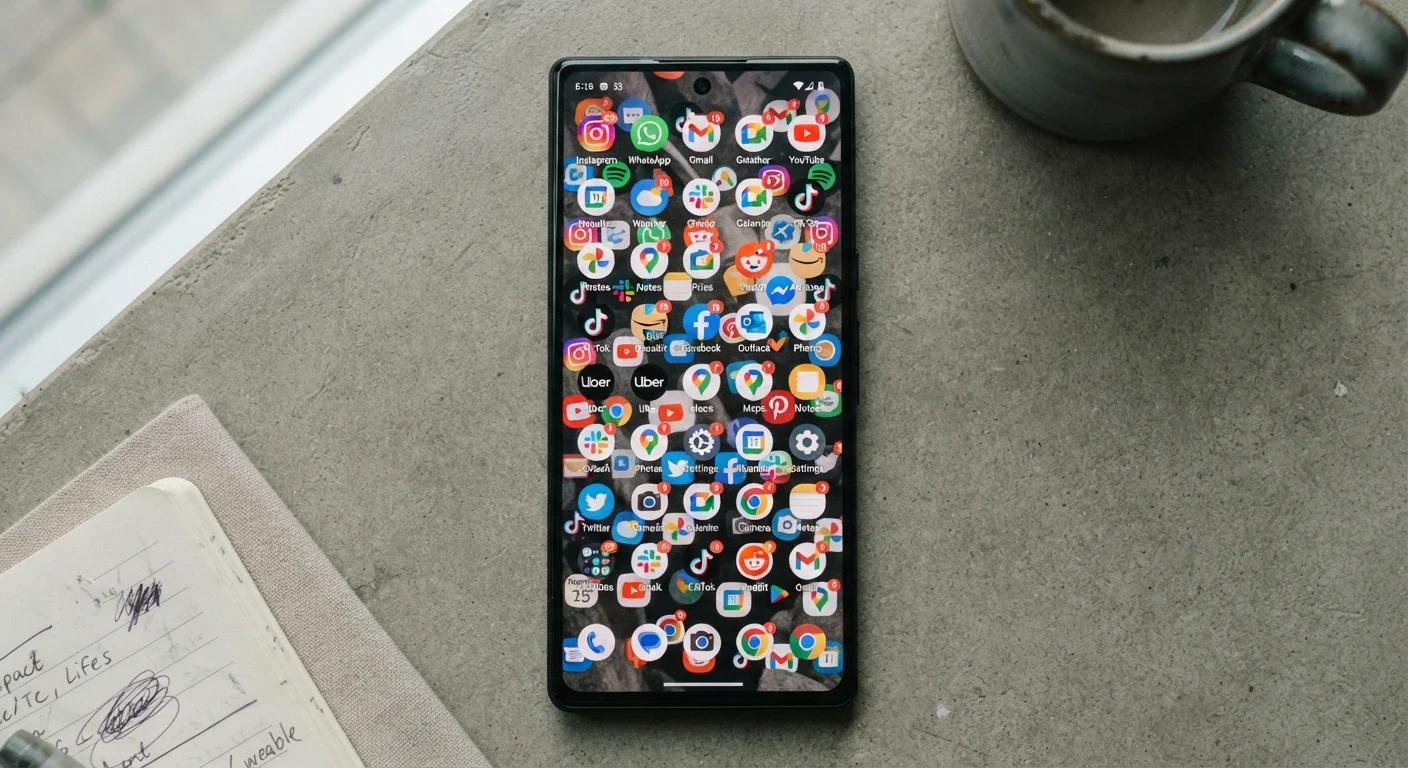
How App Accumulation Happens to Almost Everyone
App overload rarely arrives all at once. It builds the same way clutter fills a junk drawer - one reasonable decision at a time. You download a parking app for a trip, a fitness tracker after a New Year's resolution, a coupon tool before a shopping run. Each individual install makes sense in the moment. Over months, the collection grows unwieldy.
Several patterns drive this accumulation. Common assumptions behind unnecessary downloads include believing an app will save time, that a free version costs nothing to keep, or that you'll definitely use it later. The "I'll get around to it" install is one of the most reliable contributors to an overcrowded home screen.
App stores also make downloading frictionless by design. A few taps and an app is on your device - no commitment required, no reminder that storage is finite or that a free trial has a clock running against it.
Scroll Your App List Before Installing Anything New
Before downloading a new app, take 60 seconds to scroll your existing apps. You may already have something that does the job. This habit alone can meaningfully slow the pace of accumulation.
The Real Costs: Money, Storage, and Attention
App overload carries three measurable costs that most people underestimate.
Financial Cost
Subscription apps are the most direct drain. A $4.99 per month app you stopped using six months ago has quietly taken nearly $30 from your account. Multiply that across several forgotten subscriptions and the figure becomes material. Subscription apps you may have forgotten about are more common than most people realize, and the charges rarely announce themselves.
It's also worth remembering that even apps marketed as free carry costs. Free apps are never entirely free - they typically trade on your data, your attention through advertising, or both.
Top 10
Apps used regularly by most smartphone owners
App analytics research consistently finds that despite having dozens of apps installed, most users return to fewer than 10 on a regular basis.
$30-$50
Estimated monthly spend on forgotten subscriptions
Consumer spending surveys suggest households commonly carry several forgotten or unused subscription services that collectively reach this range.
~20%
Apps opened only once after download
Industry data from mobile analytics firms has found that a significant share of downloaded apps are opened exactly once and then never used again.
Device Performance Cost
Background app activity - syncing, refreshing, sending notifications - consumes battery and processing power. On an older device especially, a large number of background-active apps can slow everyday performance and shorten the time between charges.
Attention Cost
Notification overload is a direct byproduct of app overload. Each installed app is a potential source of interruptions. Research on attention consistently shows that frequent interruptions fragment focus and increase cognitive fatigue, even when individual notifications seem minor.
Privacy Exposure You May Not Have Considered
Every app you install is a potential data-collection endpoint. Apps routinely request access to your location, contacts, microphone, camera, and more. The more apps you have, the broader your permission footprint - and the greater the chance that some of those permissions were granted without much thought.
Understanding what app permissions actually mean is a useful step before installing anything new. But it's equally valuable to review permissions for apps already on your device. Many users discover that apps they installed years ago still hold access to data they would never knowingly grant today.
Deleting an App Doesn't Cancel Its Subscription
This is one of the most common and costly misunderstandings in app management. Removing an app from your home screen or device does not terminate any subscription attached to it. You must cancel the subscription separately - through your device's app store account settings, the app's own account portal, or by contacting the developer directly - before the next billing date to avoid further charges.
Recognizing When Your Digital Toolkit Has Outgrown Its Usefulness
The clearest signal of app overload is a gap between what you have installed and what you actually use. If you can't name the apps on your last two home screen pages without looking, that's a reasonable indicator. Other signs include:
- Your device storage is routinely full despite not saving many photos or files.
- You receive notifications from apps you don't recognize or remember installing.
- Your monthly bank statement includes recurring charges you have to look up to identify.
- You find duplicate apps covering the same function - two note-taking tools, three weather apps.
Before adding any new app to the mix, evaluating it carefully before downloading can stop overload from compounding. And if your household shares subscriptions across multiple devices, understanding how subscription costs accumulate at the household level puts the full picture in focus.
The goal isn't a minimalist phone for its own sake. It's a device where every app on it earns its place - doing something useful, doing it well, and doing it without silently draining your resources.


